At gagadget.com, your trust is our priority. We follow strict quality standards in our research, tests, and analysis of tvs, to give you the best experience. Learn more
How Do the Best Budget 4K TVs under $450 Compare?
A cheap TV box reads like a menu written by five different chefs. QLED, Mini LED, 120Hz, AI picture, Dolby this and Dolby that. Half of those words describe hardware sitting inside the screen, and the other half describe software trying to hide what the hardware cannot do. Telling the two apart is the whole skill of buying a television at the low end of the market, and the packaging will never do it for you.
The good news is that the floor has risen. Sets sold under the cap now ship with quantum dot color, dynamic HDR formats and, in two cases, Mini LED backlights. The less cheerful news is in the footnotes. One Mini LED set here dims its lamp in software, one familiar model name quietly lost its quantum dots, and only a single panel refreshes faster than 60Hz. I put five of these TVs in the same living room, ran the same films and the same football match through each, and read every spec sheet down to the small print at the bottom.
Two sets I would hand to a friend first:
We may earn a small commission if you buy via our links - it helps keep gagadget.com running.
Table of Contents:
- How to Choose a Budget 4K TV
- The Five Budget 4K TVs at a Glance
- Budget 4K TV Comparison
- TCL 55T7
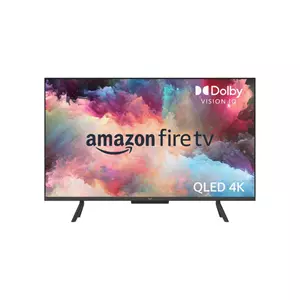
- Amazon Fire TV 43" Omni QLED
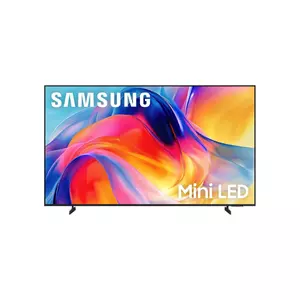
- Samsung 55" M70H Mini LED
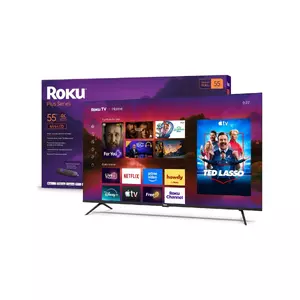
- Roku 55" Plus Series Mini-LED
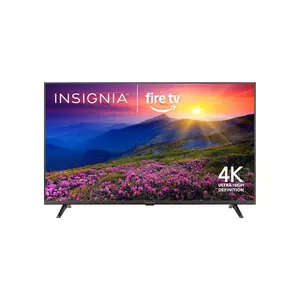
- Insignia 55" F50 Series
- Budget 4K TV Questions, Answered Plainly
How to Choose a Budget 4K TV: Buying Guide
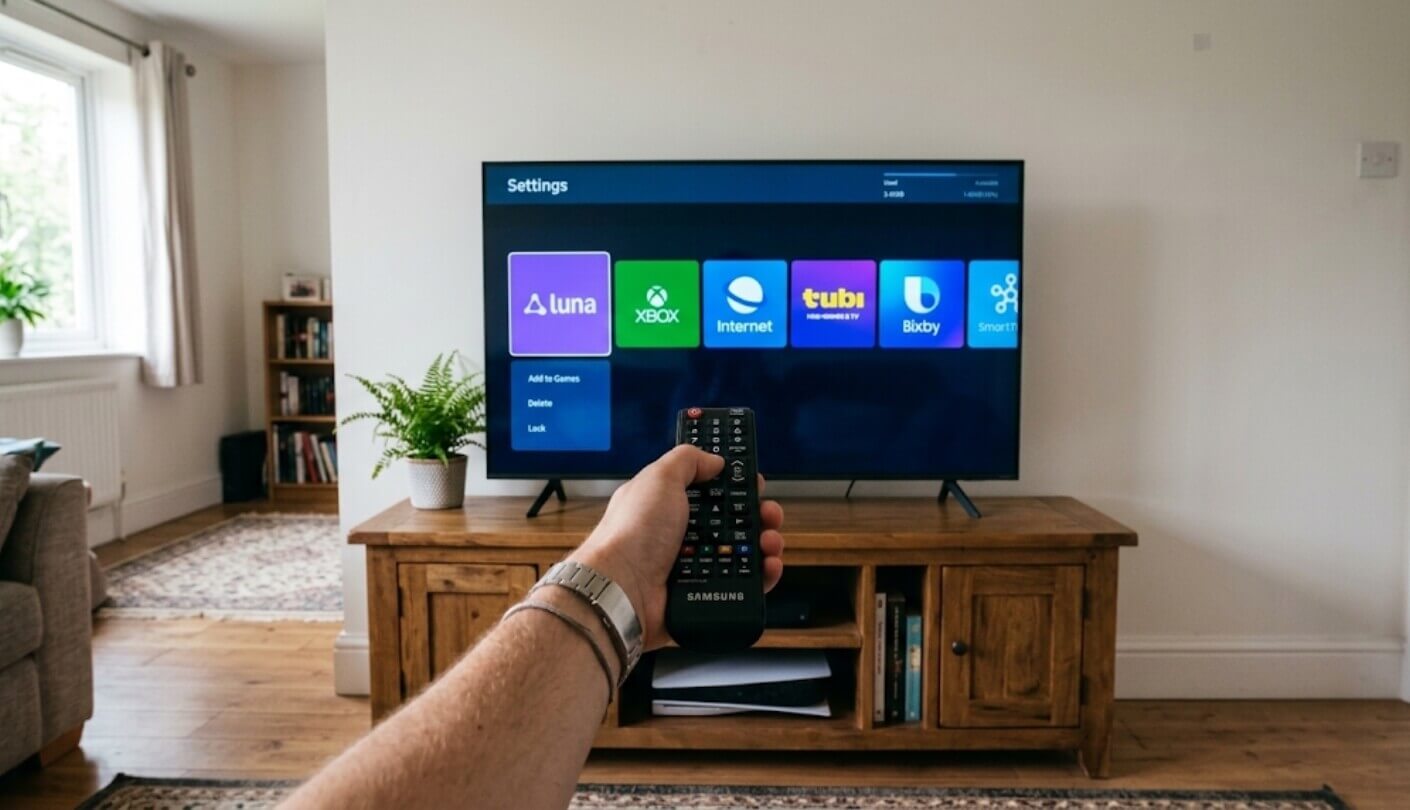
Cheap televisions let you down in predictable places. Dark scenes turn gray, fast motion smears, dialogue sinks under the soundtrack, and the home screen fills up with sponsored tiles. The five subsections below take those weak spots one at a time, in roughly the order they tend to annoy people, starting with the one you notice on the very first evening.
Backlight First, Logo Second
Every LCD television is a sheet of liquid crystal sitting in front of a lamp, and the lamp decides how dark a black can get. Three kinds of lamp appear in this lineup. A plain LED backlight glows evenly behind the whole image, so a night sky can only be as deep as the panel's native contrast allows. A Mini LED backlight with full-array local dimming splits the lamp into zones that switch down behind shadows. Samsung's M70H sits awkwardly between the two, because its own spec sheet describes its dimming as software-based and not full-array hardware.
QLED names the color layer, and local dimming names the lamp. A set can have the first without the second, and after sunset the lamp counts for more.
Quantum dots widen the color range, which you see in saturated reds, deep teals and bright football kits. They do nothing at all for contrast. I would trade quantum dots for zone dimming every time if the TV lives in a room used mostly at night, and I would make the opposite trade for a sunny kitchen, where glare swallows black depth long before your eyes could judge it.
Which HDR Logos Change the Picture
High dynamic range on an inexpensive set comes down mostly to metadata, the instructions a film carries about how bright each moment should be. Basic HDR10 sends one set of instructions for the whole film. Dolby Vision and HDR10+ adjust scene by scene, which helps a modest panel ration its limited brightness more sensibly. The standards behind high-dynamic-range television are worth a skim, though one practical question settles most of the decision: which formats do your apps actually stream?
Netflix and Disney+ carry much of their HDR catalog in Dolby Vision, and Prime Video supports HDR10+. Three of the five sets here handle both dynamic formats. Samsung skips Dolby Vision across its whole range, and the Insignia stops at HDR10 and HLG. I watch mostly Netflix, so a missing Dolby Vision logo pushes a TV down my own shortlist, although a panel with no local dimming gains less from clever metadata than the box art suggests.
Refresh Rate and the Console Question
Films, broadcasts and nearly all streaming run at 24, 30 or 60 frames per second, which a 60Hz panel handles without any trouble. The jump to 120Hz pays off in two places: console games with performance modes on PS5 and Xbox Series X, and the smoothness of scrolling through menus. Among these five, exactly one TV has a native 120Hz panel, and it happens to be the TCL.
Motion Rate 480 and Game Accelerator 240 are names of features, and neither figure describes the panel. Look for the line on the spec sheet that says native or panel refresh rate.
Samsung's DLG 120Hz mode needs its own warning label. The company's sheet admits that it raises the refresh rate to 120Hz while reducing image sharpness, which is a trade most gamers would rather skip. Variable refresh rate often matters more than raw hertz on a budget set, since it stops tearing when a game drops below its target frame rate. I check for VRR and ALLM before I chase any bigger number on the box.
The Operating System Is Half the TV
You will spend more time on the home screen than inside any picture menu. Google TV, Fire TV, Roku and Tizen all organize apps differently, and each one promotes its owner's content. Roku keeps the closest thing to a plain grid of apps. Fire TV puts Prime Video and Alexa at the center of everything. Google TV builds recommendation rows that pull from several services at once. Tizen leans on Samsung TV Plus channels and asks for a Samsung account before any streaming app will open.
Voice control varies just as widely. Two sets here listen hands-free through built-in microphones, a feature that feels like a gimmick for about a week and then becomes the way the TV gets switched on. If you already own a streaming stick you like, the built-in platform matters far less, since the stick plugs straight into HDMI. I did exactly that with a guest-room TV whose menus annoyed my visitors, and the complaints stopped the same evening.
Speakers, Ports and the Soundbar You Will Probably Buy
Slim cabinets leave little room for drivers, so budget TV audio mostly comes down to how well the processing disguises small speakers. Dolby Atmos printed on a TV with a 2.0 speaker pair means processing. No driver in that cabinet fires at the ceiling, and the virtual height effect is subtle at best. Dialogue clarity is the more useful test, and it varies more between brands than the logos imply. Reviews that mention voices sounding boxed in or buried under music tell you more than any wattage figure on the sheet.
Plan around eARC if a soundbar is anywhere in your future. It sends Dolby Atmos from the TV's own apps to the bar over a single HDMI cable.
Port count starts to bite once a console, a streaming stick and a soundbar all share the back panel. Three HDMI inputs with one reserved for the bar leave just two for everything else. The Samsung limits all three of its HDMI inputs to 4K at 60Hz and has no optical output, which matters if your current soundbar is older. I count inputs before I count speaker watts, because a missing port costs more to work around than thin sound.
The Five Budget 4K TVs at a Glance
The order below puts hardware first. A better backlight or a faster panel cannot be bolted on after purchase, while sound and software can be upgraded with an extra box. Every one of these sets regularly dips below the cap during sales, so the ranking ignores the sticker and looks at the parts list instead. Screen size also played a smaller role than you might expect. Four of the five are 55-inch class sets, and the one 43-inch model earned its spot by doing jobs the bigger screens are not built for.
- Native 120Hz Panel
- Dolby Vision And HDR10+
- Four HDMI Inputs
- Hands-Free Voice Control
- AirPlay 2 Built In
- Far-Field Alexa Microphones
- Dolby Vision IQ
- HDR10+ Adaptive
- Ambient Art Display
- Clear Stereo Speakers
- Six Cloud Gaming Services
- Mini LED Backlight
- HGiG And VRR
- Filmmaker Mode Included
- Bluetooth 5.3
- Full-Array Local Dimming
- Smart Picture Max
- Lost Remote Finder
- Bluetooth Headphone Mode
- Dolby Vision Playback
- Lowest Cost Here
- 3.5mm Headphone Jack
- Composite Video Input
- AirPlay Support
- eARC For Soundbars
Budget 4K TV Comparison
Figures come from each maker's specification sheets and retailer listings, with the rows that shape everyday viewing placed near the top:
| Specification | TCL 55T7 | Fire TV 43" Omni QLED | Samsung 55" M70H | Roku 55" Plus Series | Insignia 55" F50 |
| Screen Size Class | 55 inches | 43 inches | 55 inches | 55 inches | 55 inches |
| Backlight and Dimming | LED, no local dimming listed | Direct LED, no local dimming | Mini LED, software-based dimming | Mini-LED, full-array local dimming | Direct-lit LED, no local dimming listed |
| Color Technology | Quantum dot (QLED) | Quantum dot (QLED) | Pure Spectrum Color | Quantum dot (QLED) | Standard LED |
| Native Panel Refresh | 120Hz | 60Hz | 60Hz (DLG 120Hz mode lowers sharpness) | 60Hz | 60Hz |
| HDR Formats | Dolby Vision, HDR10+, HDR10, HLG | Dolby Vision IQ, HDR10+ Adaptive, HDR10, HLG | HDR10+, HDR10, HLG | Dolby Vision, HDR10+, HLG | HDR10, HLG |
| HDMI Inputs | 4, one with eARC | 4, one with eARC | 3, eARC, 4K 60Hz maximum | 4, one with eARC | 3, one with eARC |
| Audio Processing | Dolby Atmos on 2.0 speakers | Stereo, Atmos passthrough over eARC | 2.0 channel, 20W, OTS Lite | Dolby Atmos | DTS Virtual:X |
| Smart Platform | Google TV | Fire TV | One UI Tizen | Roku TV | Fire TV |
| Voice Control | Hands-free Google TV voice | Hands-free Alexa, far-field mics | Bixby and Alexa built in | Roku Voice on the remote | Alexa Voice Remote |
| Standout Extra | Only native 120Hz panel here | Ambient Experience art mode | Gaming Hub with six cloud services | Lost remote finder | Lowest price among these five |
Read the backlight row first, since it explains more of the picture differences than any other line. Only the Roku dims its lamp zone by zone in hardware, which is why it leads for dark-room films despite a 60Hz panel. The refresh row splits gamers off quickly, because the TCL alone runs at 120Hz natively. The HDR row matters most to Netflix households, where the Samsung and the Insignia fall back to plain HDR10. Port counts close the table out quietly. Two of these sets offer three HDMI inputs, and once a soundbar takes one of them, a console and a streaming stick fill the rest with nothing left over for a second console or a cable box.
TCL 55T7 Review
Editor's Choice
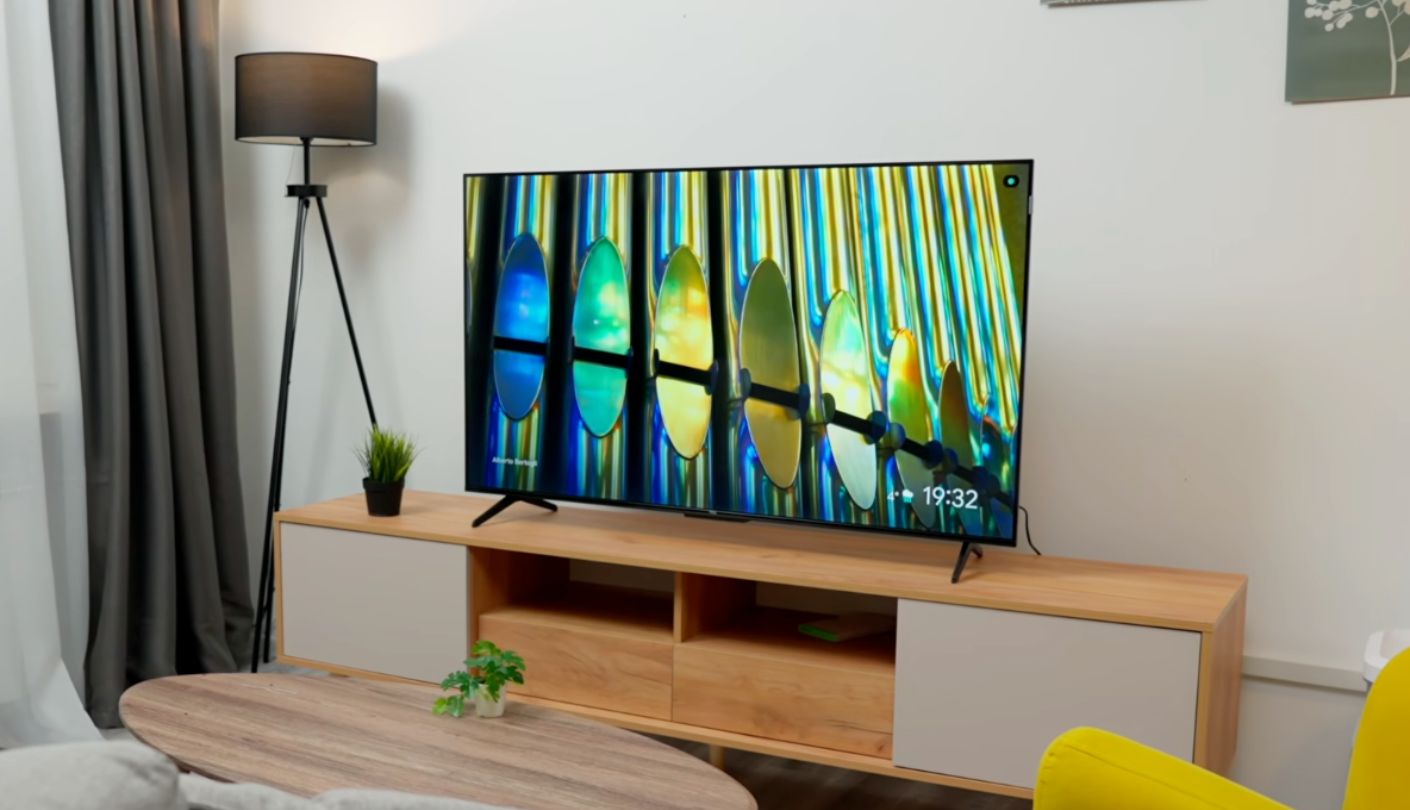
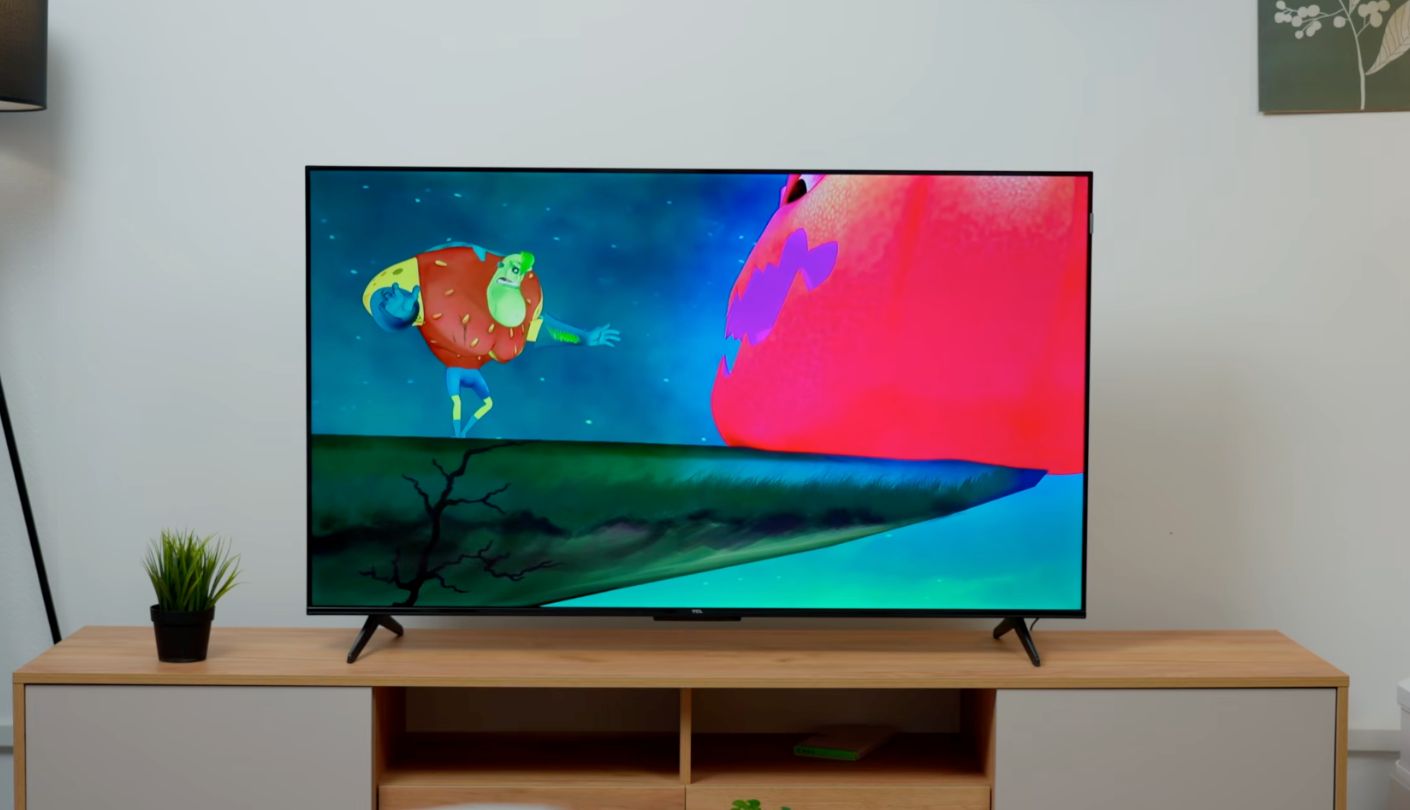
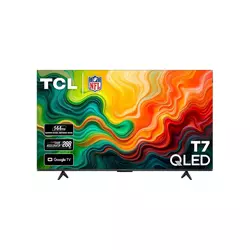
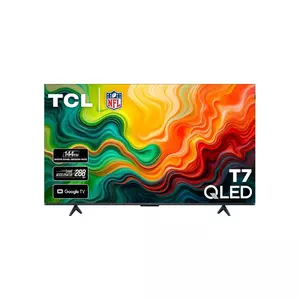
One hundred and twenty refreshes per second. That is the native rate of the panel inside the TCL 55T7, and no other TV among these five gets past 60. TCL slots the T7 under its Mini LED QM models, so the company saved the expensive backlight for pricier lines and spent this budget on panel speed, quantum dot color and a complete set of HDR formats. For a living room that also hosts a console, I think that was the smart place to put the money.
Color comes from a quantum dot layer that TCL says covers nearly the entire DCI-P3 range, and the AIPQ Pro processor handles upscaling and tone mapping. HDR support is as wide as a set like this gets, with Dolby Vision, HDR10+, HDR10 and HLG all on board. The High Brightness LED backlight has no local dimming in TCL's specifications, which is the cost of that fast panel. In a lit room it hardly matters. In a dark room, letterbox bars sit at a dark gray and night scenes lose some of their punch. Sport and daytime streaming suit it far better, and bright, saturated content like animation is where the quantum dot layer shows off most.
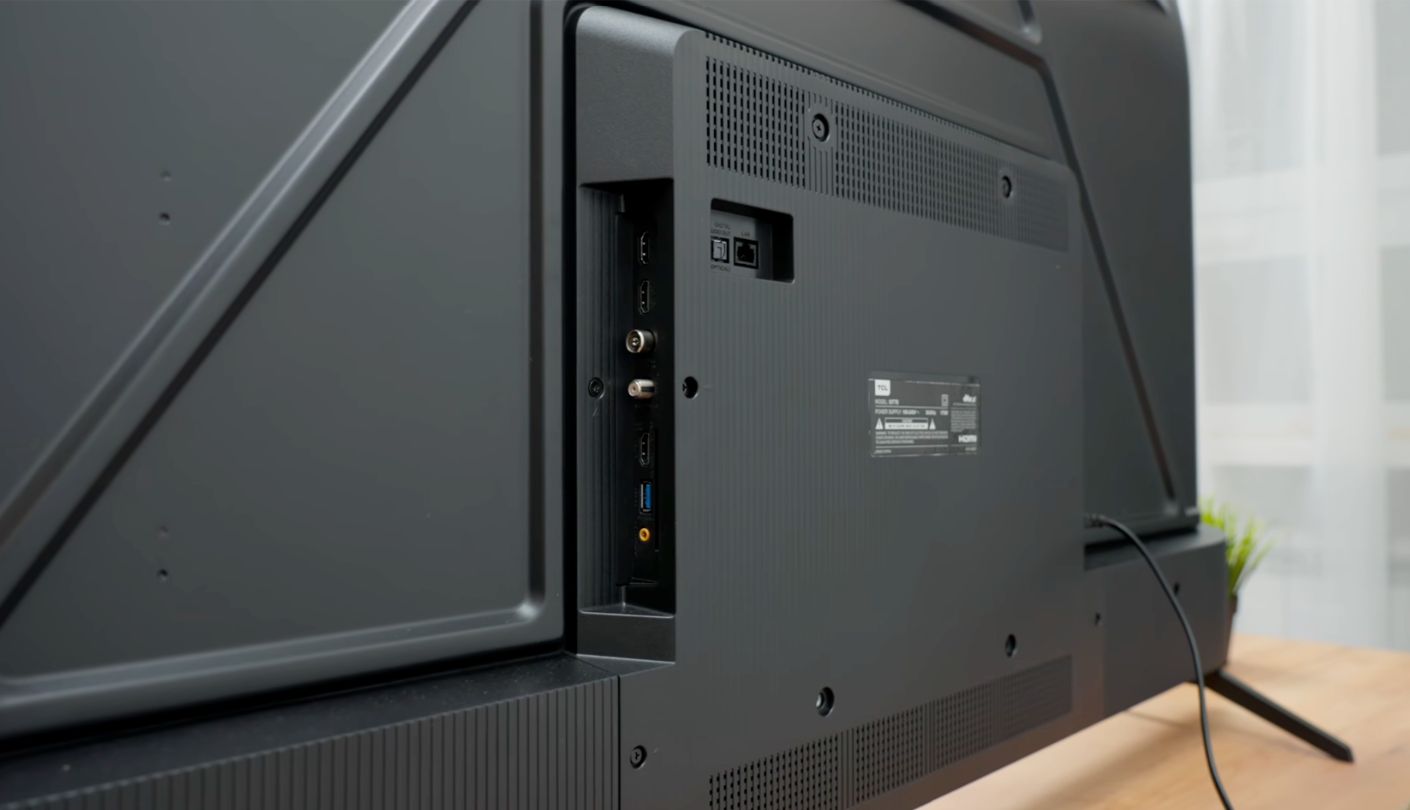
Two feature names on the box need translating. Motion Rate 480 is TCL's label for its motion processing with frame insertion, and Game Accelerator 240 is the name of a gaming mode, which TCL's footnote assigns to the 55-inch size while larger T7 models get a 288 version. Neither number describes the panel. What a gamer gets in practice is the 120Hz panel, Auto Low Latency Mode and four HDMI inputs, one of which carries eARC for a soundbar.
Google TV runs the software, with hands-free voice control, Chromecast built in and Apple AirPlay 2, and the set also works with Alexa and Apple HomeKit. Wi-Fi 5 and an Ethernet port cover networking, and Bluetooth sends audio to personal headphones. Sound comes from a 2.0 channel system with Dolby Atmos processing, which helps voices more than it helps explosions. The bezel-less metal frame stands on feet that adjust in width, a small detail that rescues anyone with a narrow media unit.
Editor's Choice landed here for a plain reason. A soundbar can fix thin speakers, a lamp behind the screen can soften gray bars, and nothing anyone sells can add hertz to a 60Hz panel later. Every weakness on the 55T7 has a cheap workaround, and its biggest strength is the one part of a TV that never changes after the box is opened.
Pros:
- Native 120Hz Panel
- Dolby Vision And HDR10+
- Four HDMI Inputs
- Hands-Free Voice Control
- AirPlay 2 Built In
Cons:
- No Local Dimming
- Basic 2.0 Speakers
Summary: A console-ready panel with every major HDR format, best suited to a living room where a lamp stays on in the evening. People who watch films only in total darkness should weigh it against the Roku and its zone dimming.
Amazon Fire TV 43" Omni QLED Review
Best Overall
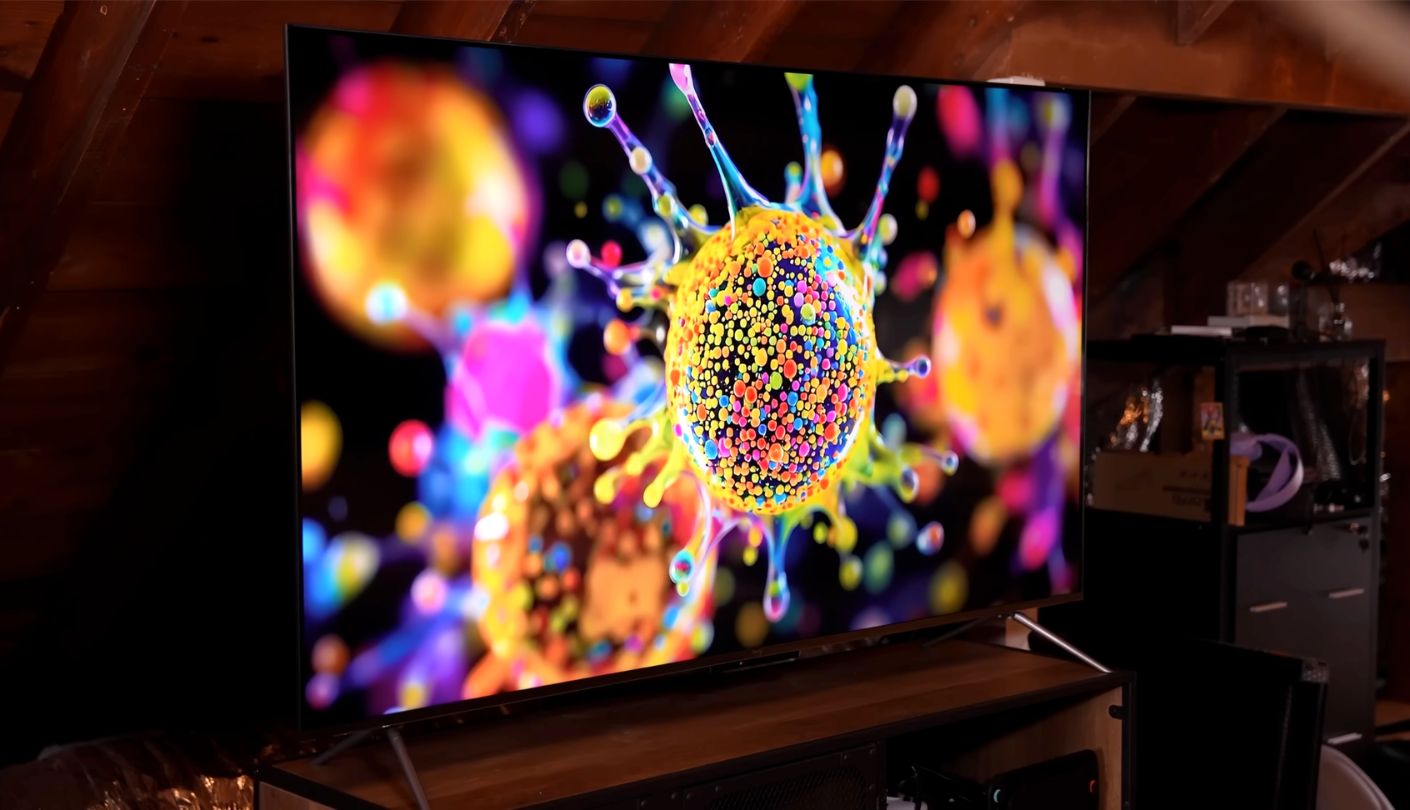
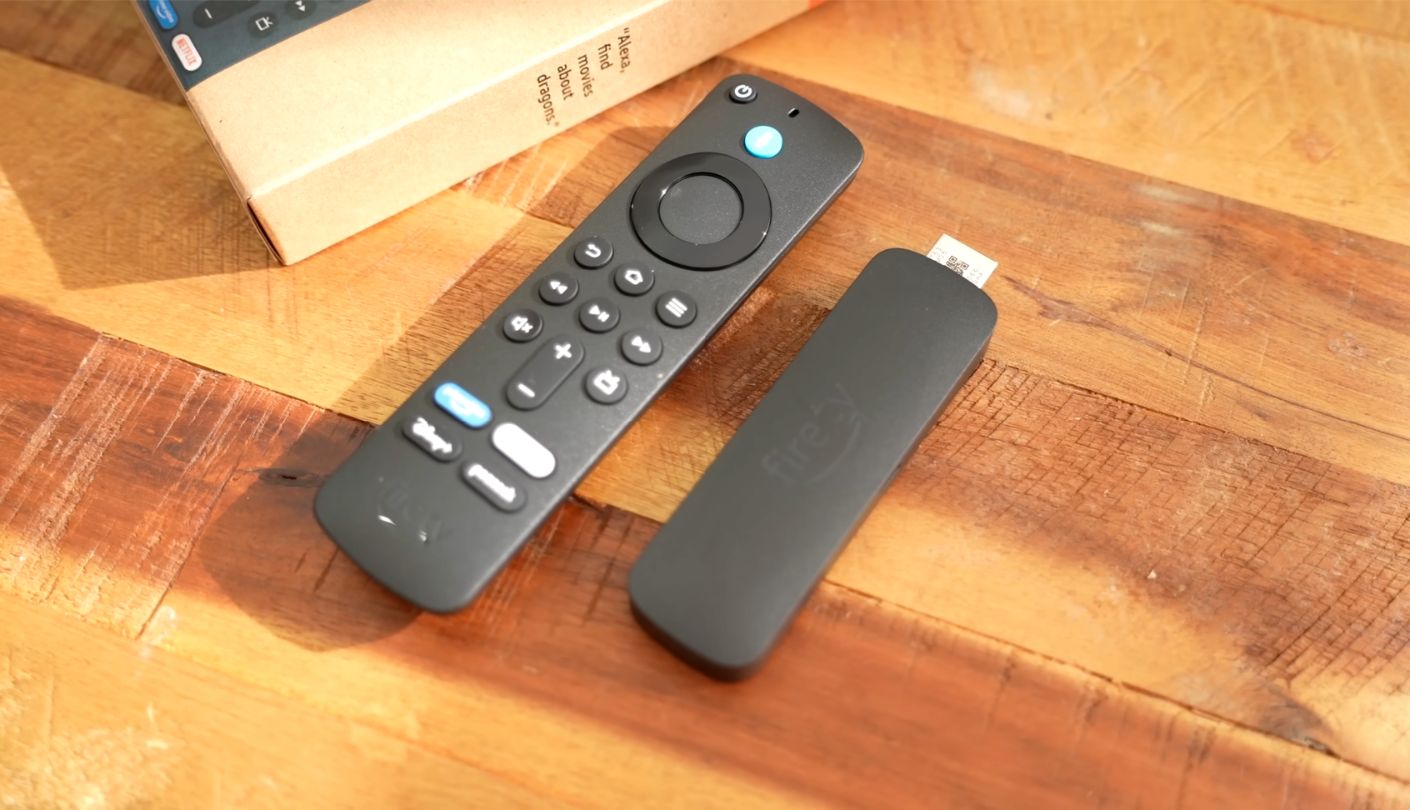
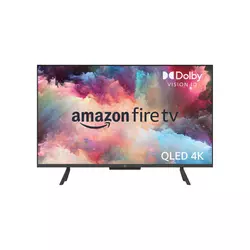
I came close to leaving this one out. The 43-inch Amazon Fire TV Omni QLED lacks the full-array local dimming that Amazon gives the 50-inch and larger Omni QLED sizes, and What Hi-Fi's test of this exact size criticized its shallow blacks and smeary motion. Those complaints are fair, and I share them. The set still kept its spot and took Best Overall, because it handles more everyday jobs in a small room than any of the other four.
The picture comes from a 4K QLED panel lit by a direct LED backlight with no zones. That backlight goes very bright, which is why reviewers singled it out for sunny rooms and daytime sport. HDR coverage is the widest in this lineup. Dolby Vision IQ and HDR10+ Adaptive both read the light in the room and adjust the picture to suit it, alongside standard HDR10 and HLG. The panel runs at 60Hz and supports VRR, ALLM and Dolby Vision gaming for consoles at that rate. Detail is sharp for the size, and at normal viewing distance on a 43-inch screen, 4K mostly shows up as crisp text in menus and clean edges in nature documentaries.
The clever hardware sits under the screen. A strip of sensors powers the Ambient Experience, which wakes the TV to show art or personal photos when somebody walks into the room. Far-field microphones let you talk to Alexa without touching the remote, and a physical switch disconnects them completely, with a red light confirming the TV has stopped listening. In a kitchen that turns the screen into a timer, a recipe display and a smart home panel, which is the job most 43-inch TVs end up doing anyway.
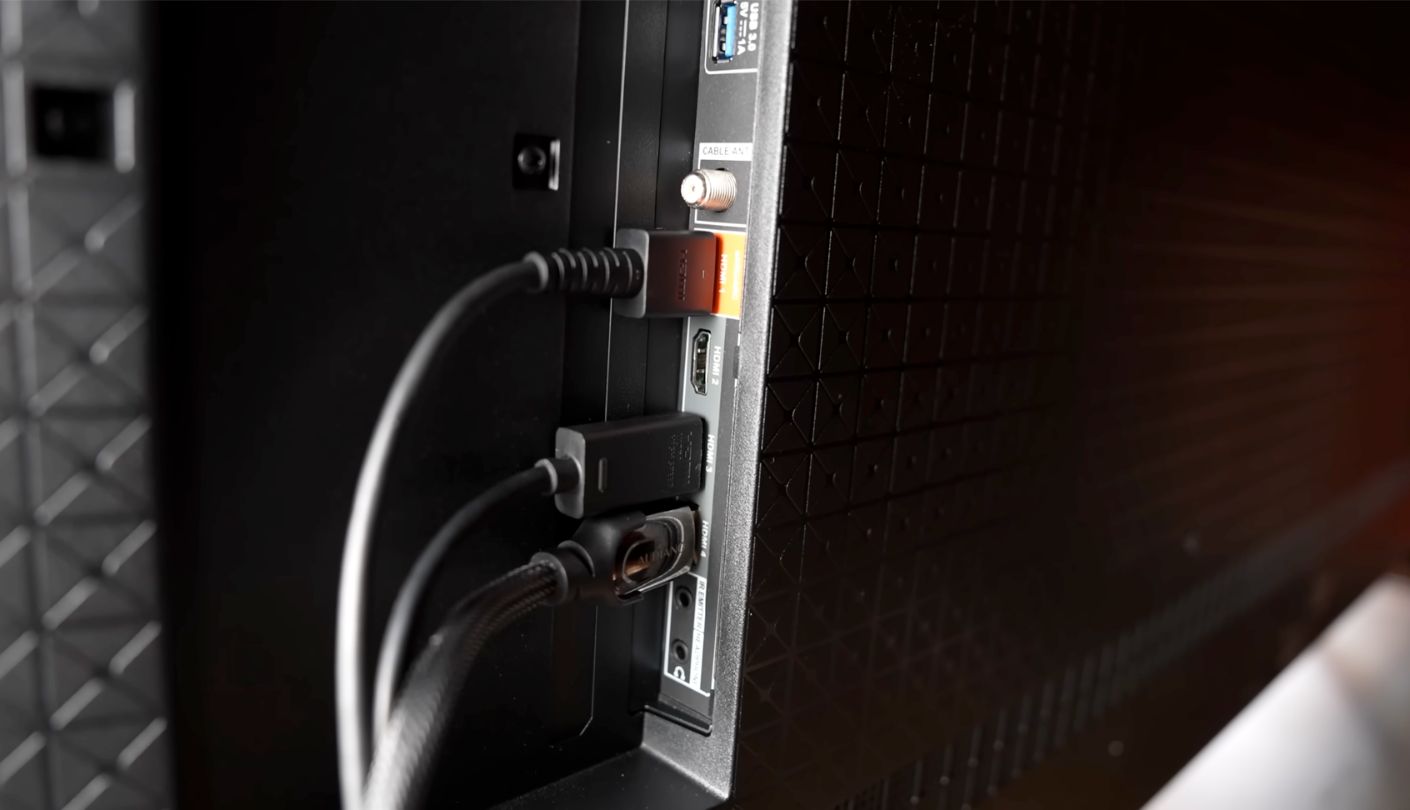
Sound surprised reviewers more than the picture did. The stereo speakers skip Atmos processing in favor of clear, balanced dialogue, and What Hi-Fi rated them above many TVs costing twice as much. Four HDMI inputs include eARC, which passes Dolby Atmos on to a soundbar, and an optical output handles older audio gear. At roughly 38 inches wide without its feet, the cabinet fits on a dresser or a counter where a 55-inch set would hang over both edges.
Buy it with its age and its limits in mind. The 43-inch Omni QLED dates back to 2023, motion blur shows during fast pans, and the picture washes out quickly from the side, so it suits one or two people sitting square to the screen. For a bedroom, a kitchen or a home office where you want the TV to answer questions, none of the other four offers the same range of daily tricks.
Pros:
- Far-Field Alexa Microphones
- Dolby Vision IQ
- HDR10+ Adaptive
- Ambient Art Display
- Clear Stereo Speakers
Cons:
- Shallow Black Levels
- Smeary Fast Pans
Summary: The most complete small-room TV here, with every HDR format and an Alexa that hears you from across the room. Daylight and short viewing sessions keep its gray blacks from ever becoming the main story.
Samsung 55" M70H Mini LED Review
Cloud Gaming
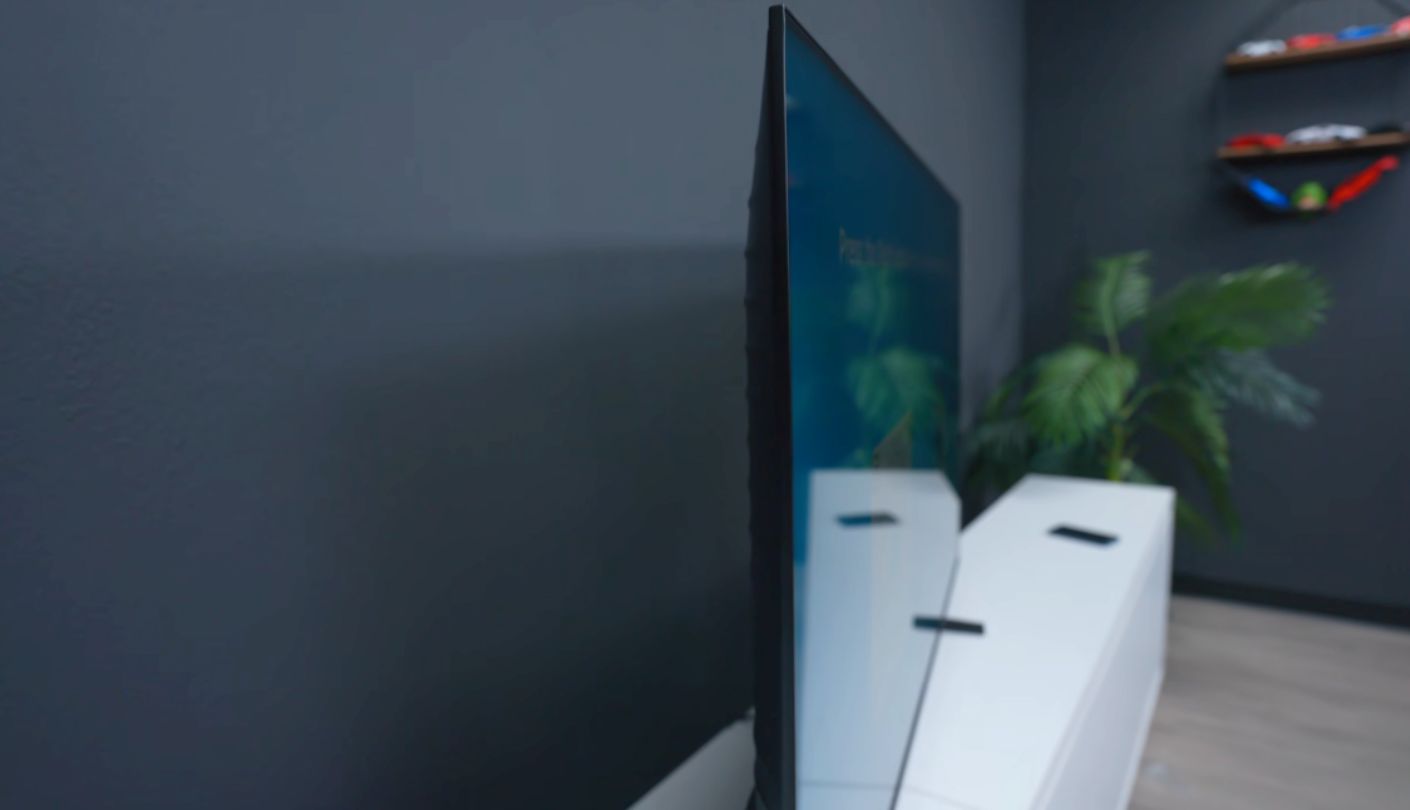
What does Mini LED mean when the dimming happens in software? Samsung answers in a footnote on the spec sheet for the Samsung M70H, where its Supreme Mini LED Dimming is described as software-based and not full-array hardware dimming. That single sentence sets expectations for the rest. You get a Mini LED backlight, Samsung's processing and a fresh 2026 design. You do not get the zone-by-zone control that made Mini LED famous on expensive sets.
Inside those limits, the picture tools are thoughtful. The Mini LED Processor 4K handles upscaling, Contrast Enhancer and Color Booster tune the image, and Filmmaker Mode strips the processing away for anyone who wants films shown the way they were graded. HDR runs on HDR10+, HDR10 and HLG. Dolby Vision is missing, as it is across Samsung's entire range, so Netflix and Disney+ titles fall back to HDR10 on this screen.
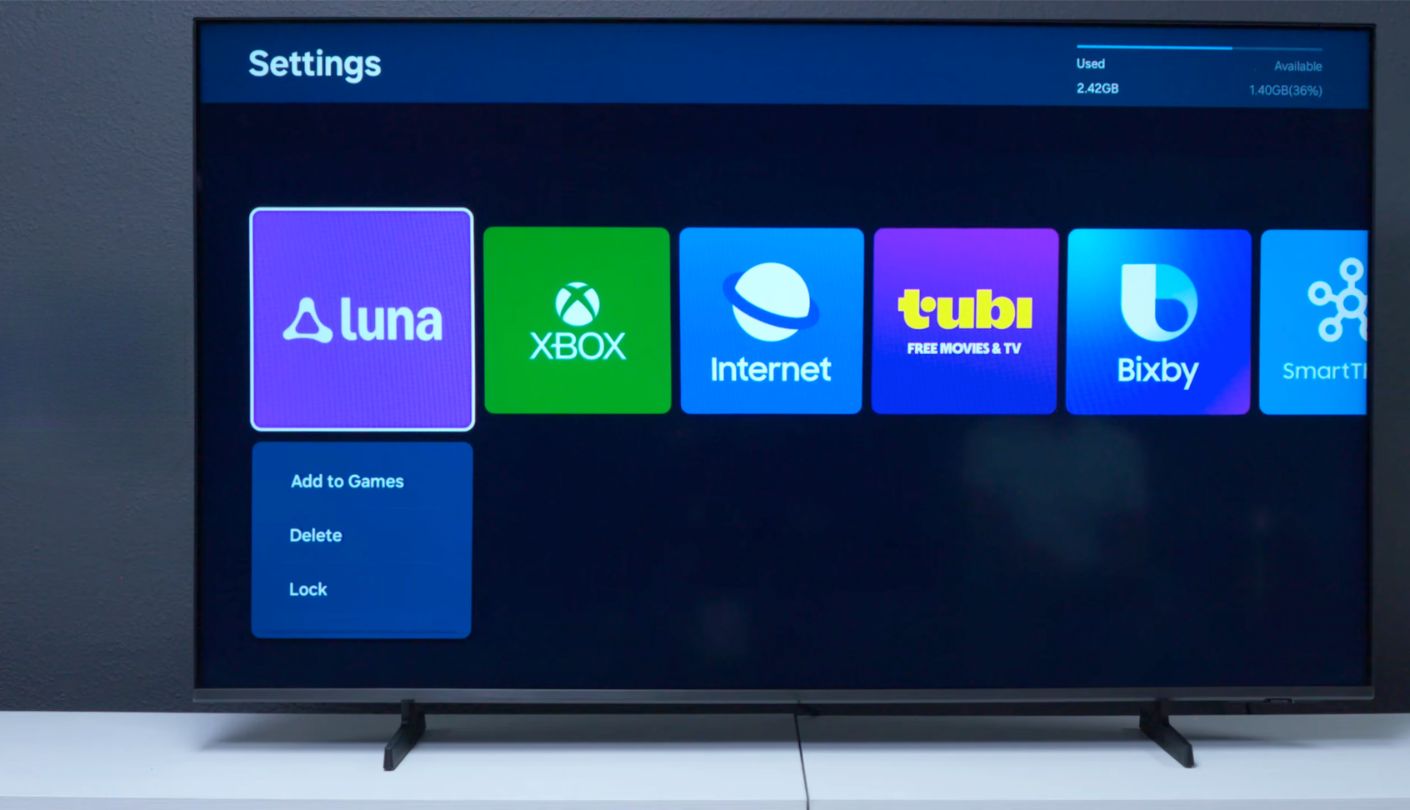
The panel refreshes at 60Hz. Samsung offers DLG 120Hz on 55-inch and larger sizes, and its own sheet warns that the mode reduces sharpness. VRR, ALLM and HGiG are present, and all three HDMI inputs top out at 4K 60Hz. Where the M70H pulls ahead is the Gaming Hub, which streams Xbox, NVIDIA GeForce Now, Luna, Blacknut, Antstream and Boosteroid directly to the TV. With a controller and a subscription you can play without owning a console, and that is the reason for the badge above.
One UI Tizen runs the software, with Samsung TV Plus channels, Bixby and Alexa built in, and AirPlay plus Google Cast for phones. A Samsung account is mandatory before streaming apps work, and without one the TV only shows HDMI sources and antenna broadcasts. Audio comes from a 2-channel, 20W system with Object Tracking Sound Lite, plus Q-Symphony for pairing with Samsung soundbars. There is no Dolby Atmos and no optical port, so any soundbar connects over HDMI or Bluetooth 5.3.
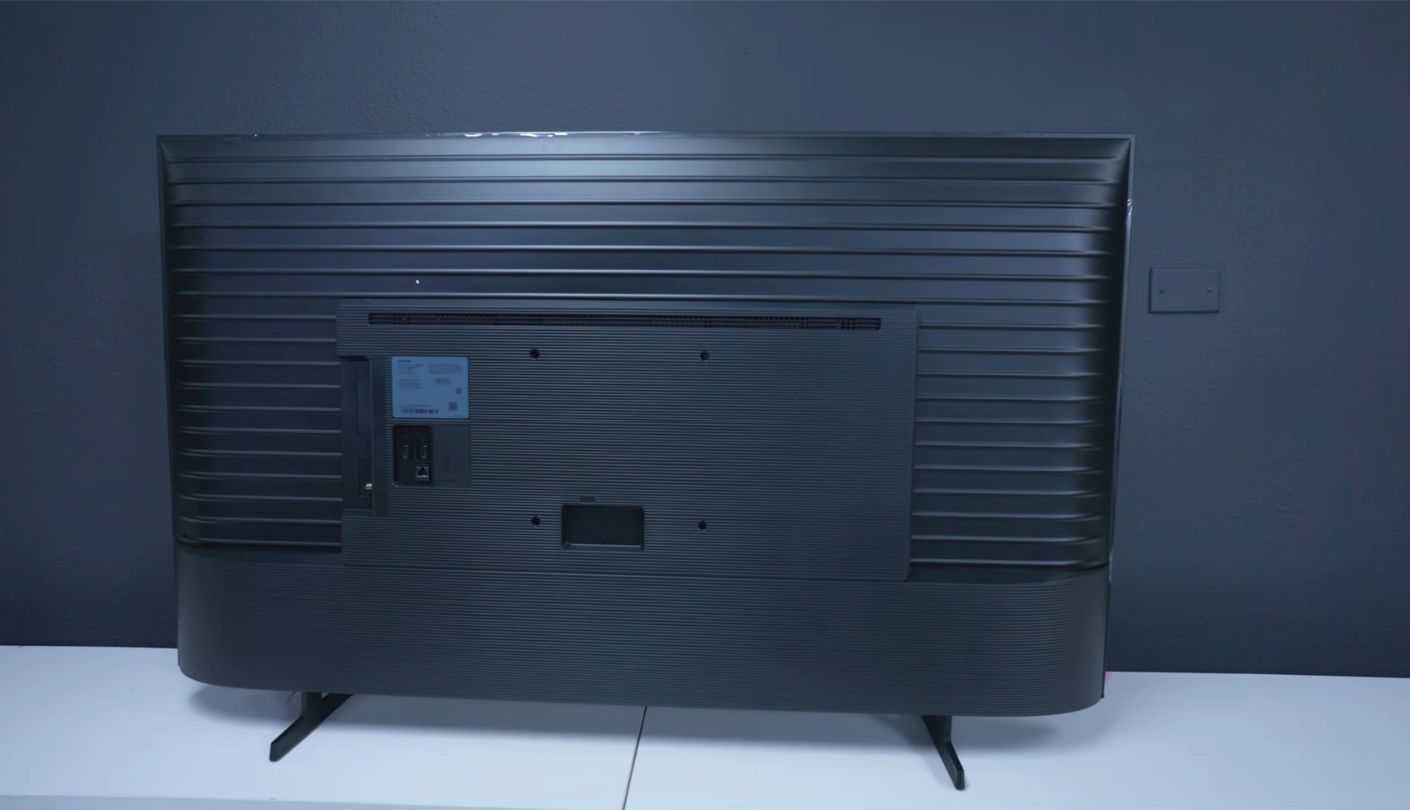
Physically, nothing here is easier to live with, and that counts for more than spec sheets admit when a TV has to go up a flight of stairs. The 55-inch cabinet is 3 inches deep and weighs 21.8 pounds without its stand, so hanging it on a 200 x 200 VESA bracket is a one-person job. The feet sit a fixed 32 inches apart, though, which rules out narrow stands. I would choose it for a household that streams games, likes the Samsung ecosystem and watches mostly with a light or two left on.
Pros:
- Six Cloud Gaming Services
- Mini LED Backlight
- HGiG And VRR
- Filmmaker Mode Included
- Bluetooth 5.3
Cons:
- Software-Based Dimming
- Skips Dolby Vision
Summary: A thin, light Mini LED set whose strongest card turns out to be its cloud gaming library. Anyone counting on deep blacks because of the Mini LED label should read Samsung's footnote twice before ordering.
Roku 55" Plus Series Mini-LED Review
Movie Nights
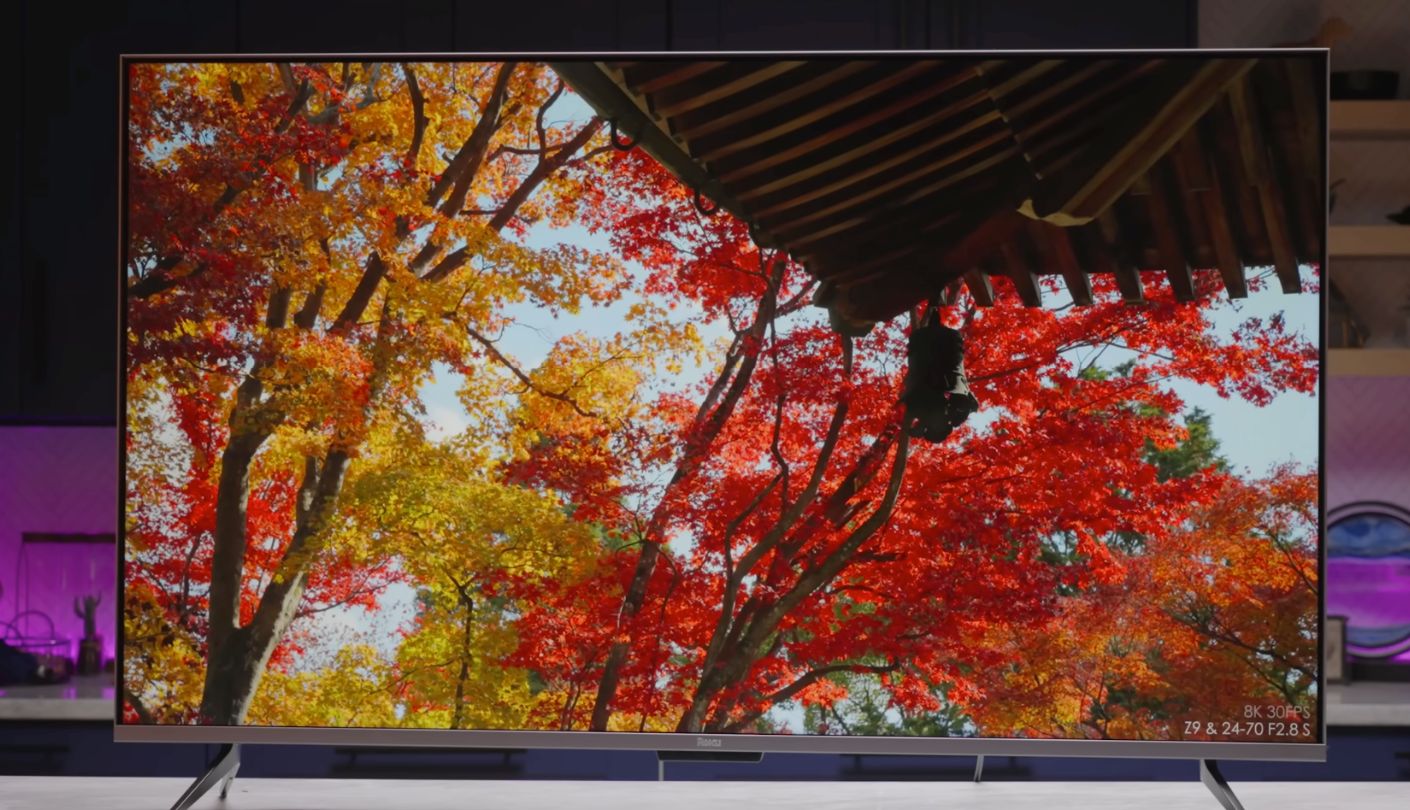
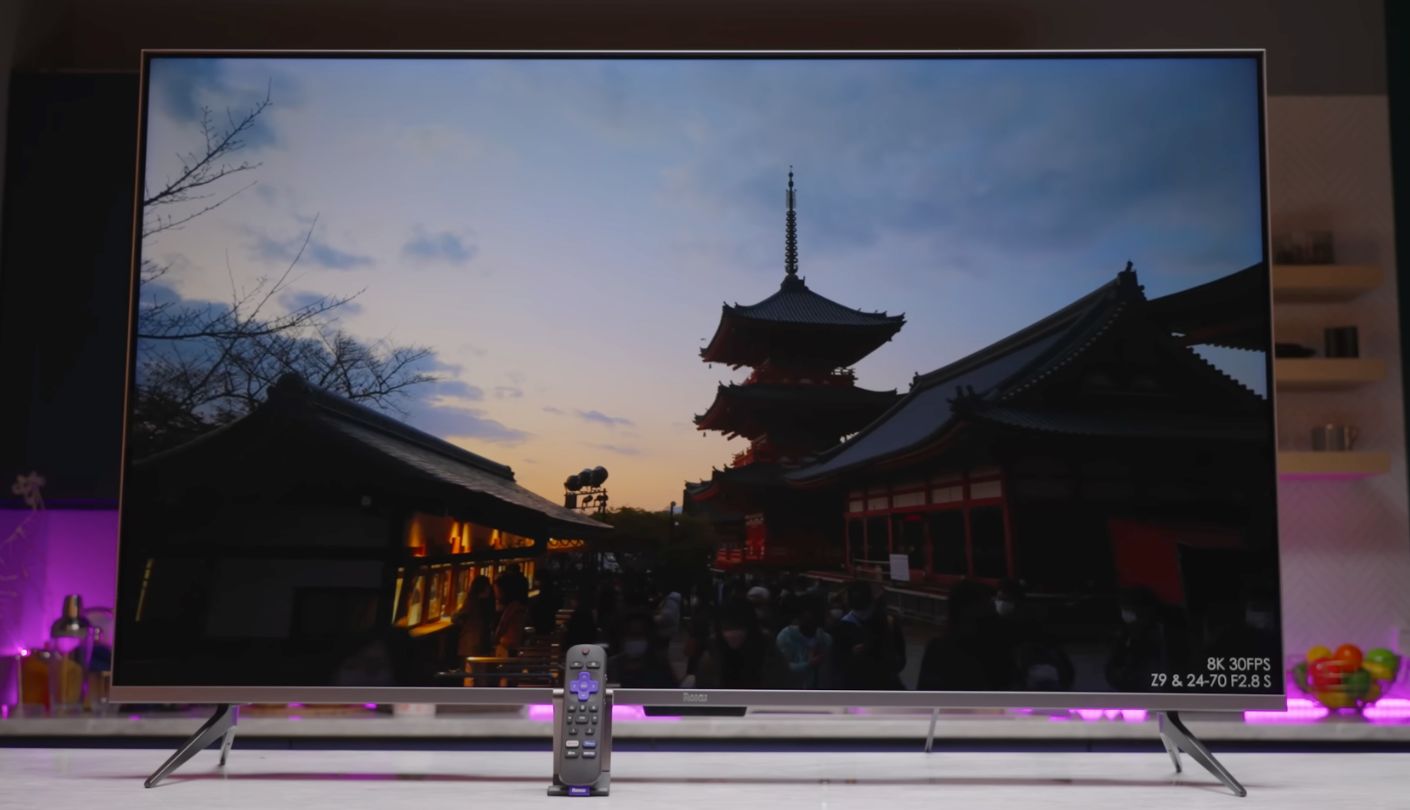
My father has used the same Roku stick for years and flatly refuses to learn any other menu, which is the most honest endorsement of Roku's software I know. The Roku 55-inch Plus Series builds that software into a television Roku designs itself, and for 2025 the company moved this line to Mini-LED backlighting with full-array local dimming. Of the five sets here, it is the one whose lamp can dim zone by zone in hardware.
That hardware shows the moment the lights go off. Dark scenes hold more depth because the backlight drops behind shadows while staying bright behind a streetlight or a moon, and quantum dot color fills out the highlights. Dolby Vision, HDR10+ and HLG are all supported, so streaming apps can send their best version. Roku Smart Picture Max, the AI processing borrowed from Roku's Pro Series, cleans up incoming signals and refines color and sharpness as scenes change, and automatic brightness follows the light in the room.
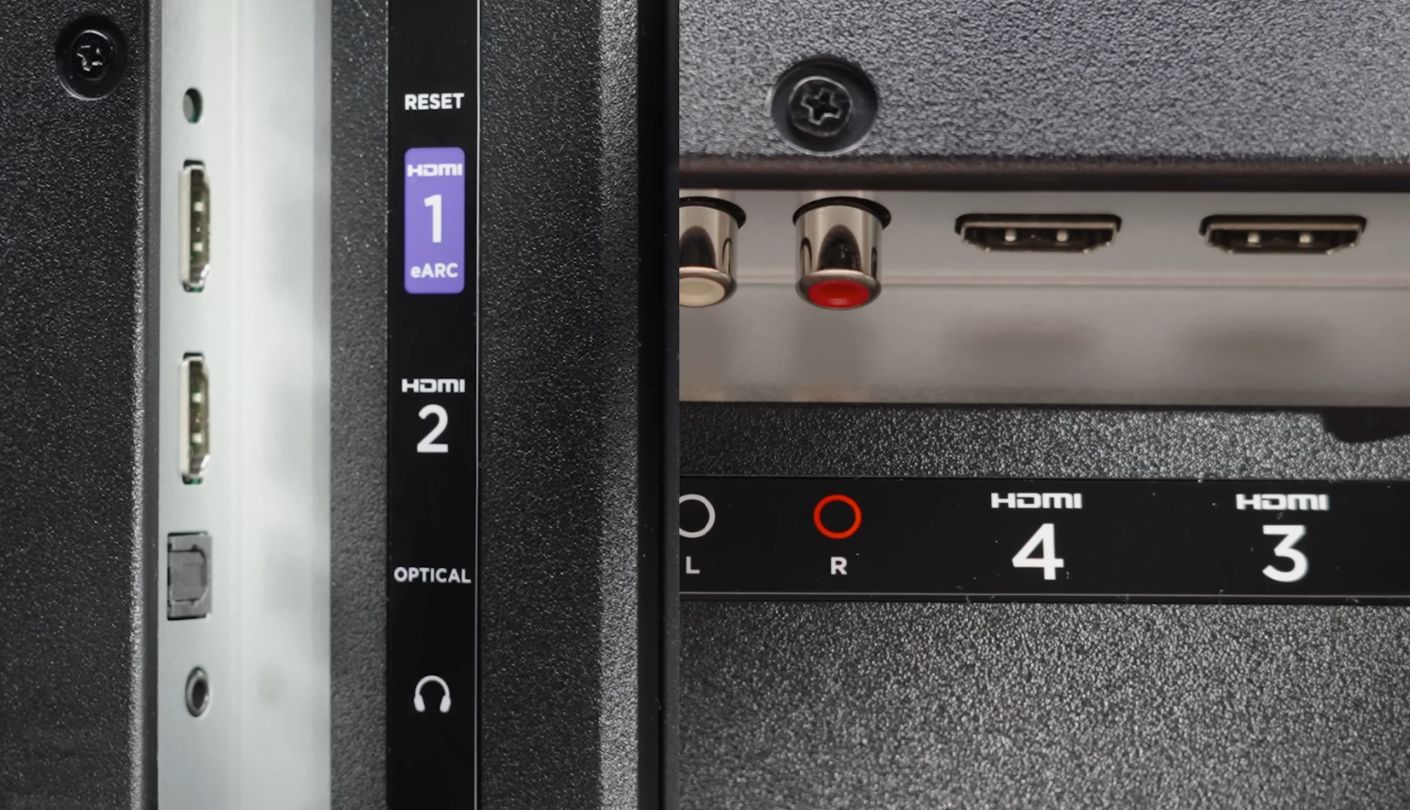
Gaming is where the Plus Series stops short. The panel runs at 60Hz, so 120fps console modes are off the table, and fast shooters will feel less fluid than on the TCL. Casual play, sports and streaming at 60 frames per second all look fine, and a family that games once a week will never notice the ceiling. Four HDMI inputs include eARC for a soundbar, and Ethernet and an optical output sit beside them on the back panel, with Dolby Atmos support for the audio side.
The remote deserves its own paragraph. The Enhanced Voice Remote has customizable shortcut buttons, a live TV guide button and a lost remote finder that makes it sound off from under the sofa cushions. Roku Voice handles search, and the TV also works with Siri, Alexa and Google Assistant. Bluetooth Headphone Mode sends audio to wireless headphones for late viewing. The home screen does carry a sponsored banner next to the app grid, the one blemish on an otherwise very simple layout.
If your TV lives mostly in the evening, this is where I would spend. Hardware local dimming changes dark-room viewing more than any other spec in this price range, and Roku pairs it with menus a grandparent can operate without reading a manual. Mount it on a 300 x 300 VESA bracket if the wall suits, and it fades into the room until the film starts.
Pros:
- Full-Array Local Dimming
- Smart Picture Max
- Lost Remote Finder
- Bluetooth Headphone Mode
- Dolby Vision Playback
Cons:
- Capped At 60Hz
- Sponsored Home Banner
Summary: Hardware zone dimming, Dolby Vision and the friendliest menus in this lineup, held back mainly by a 60Hz panel. Pick it over the TCL if films outnumber games in your house.
Insignia 55" F50 Series Review
Lowest Cost
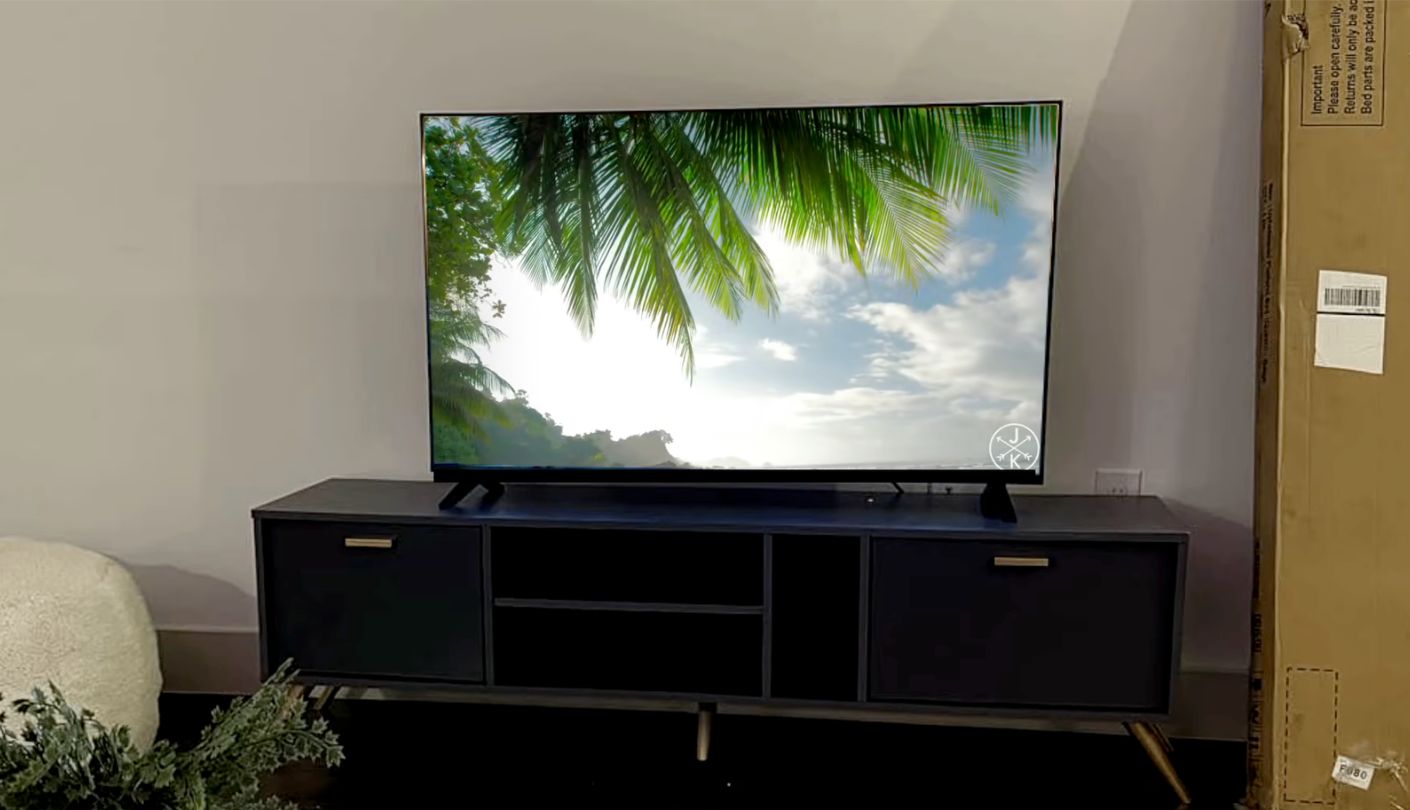
A few years ago, the Insignia F50 name stood for a quantum dot panel with Dolby Vision support. The current Insignia 55-inch F50 Series, model NS-55F501NA26, keeps the name and drops both. Retail listings describe it as a standard, direct-lit LED set, and its HDR support ends at HDR10 and HLG. Older reviews of the F50 QLED describe a different TV, so treat anything you read about that model as history.
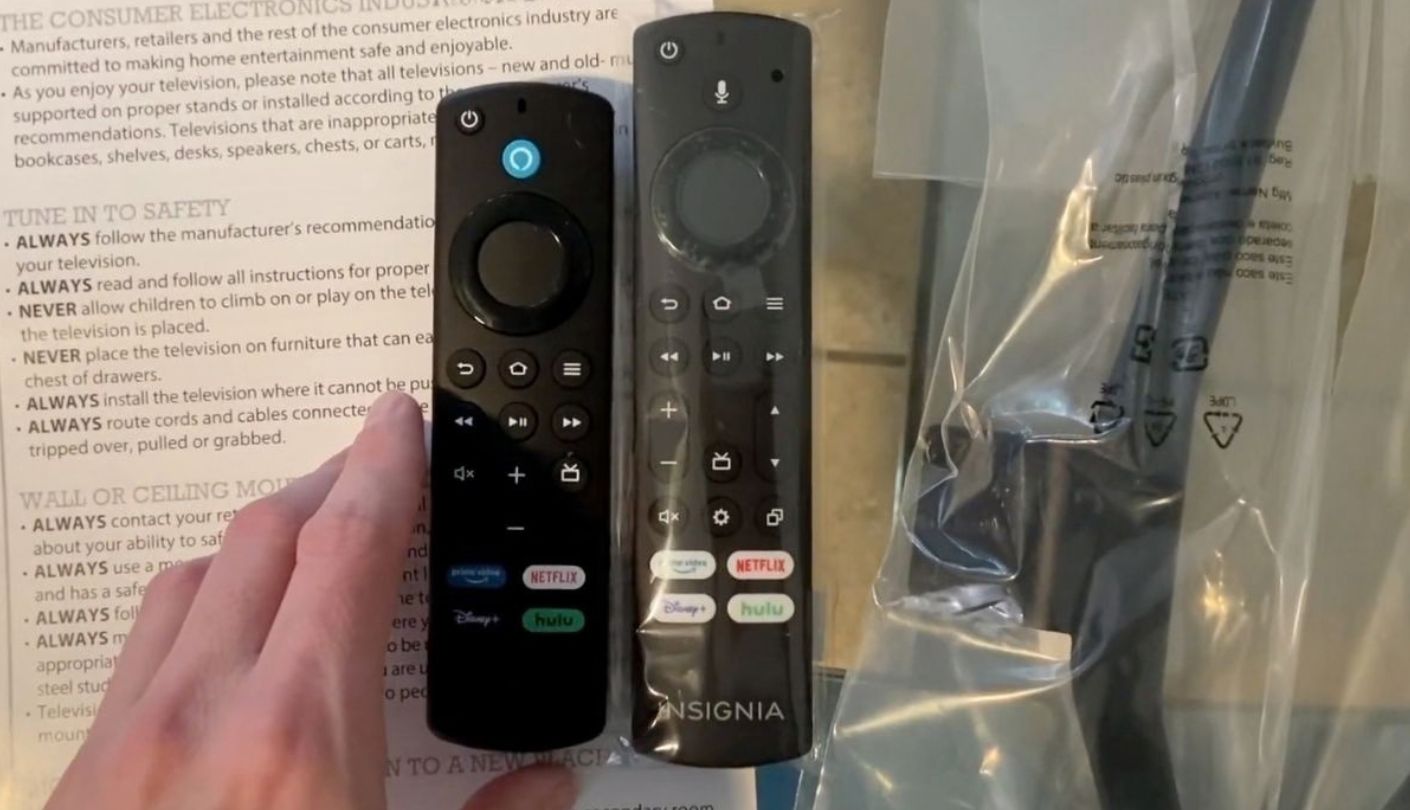
What remains is an honest, basic 4K television. The panel resolves 3840 x 2160 at 60Hz, Fire TV runs the apps, and the Alexa Voice Remote takes spoken searches at the press of a button. AirPlay lets iPhones cast photos and video to it, while Bluetooth 5.0 and Wi-Fi 5 cover wireless duties. DTS Virtual:X processing widens the sound from the built-in speakers, aimed mostly at making voices fill a small room.
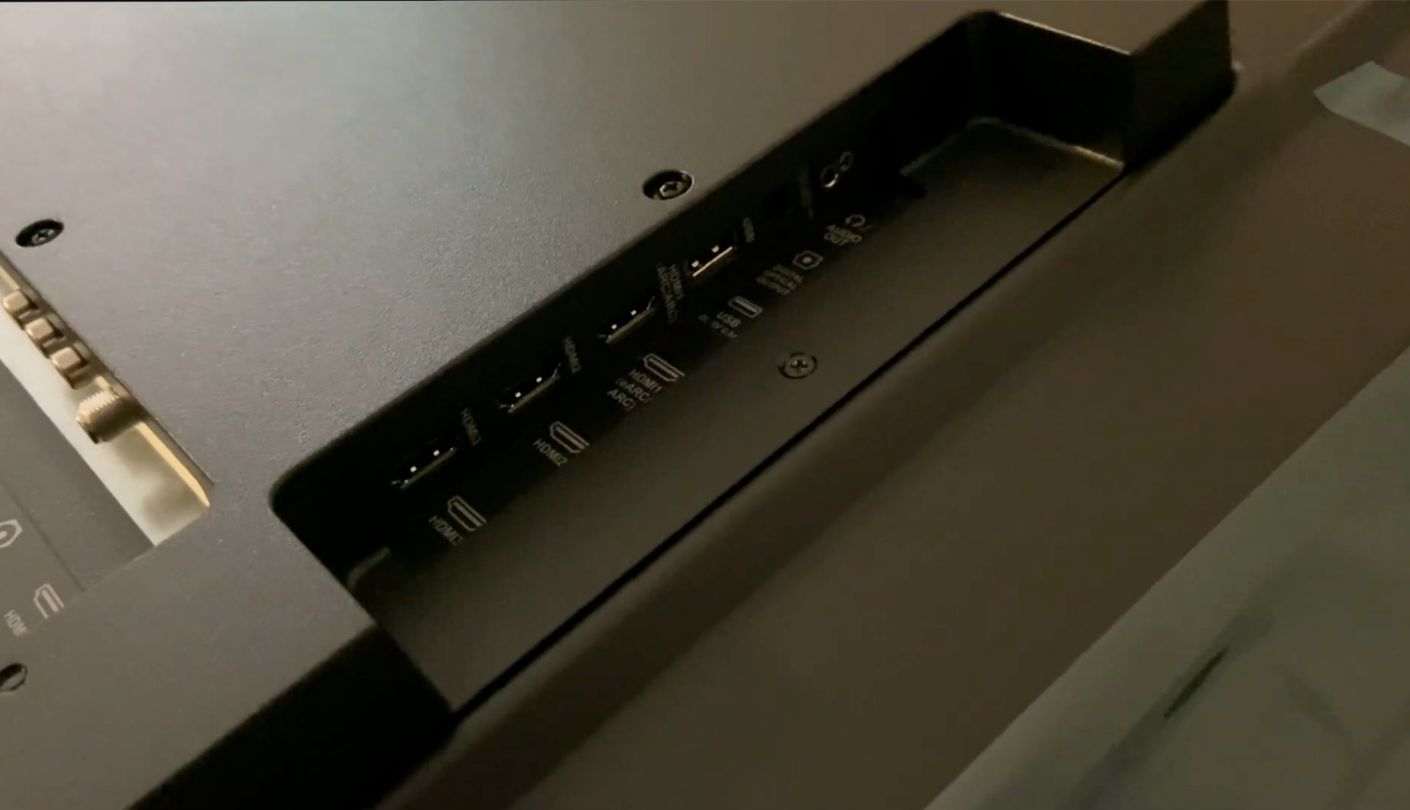
The back panel is where this set quietly beats its price. Three HDMI inputs include one with eARC, and there is a USB-A port, an antenna input, an optical output, a 3.5mm headphone jack and a composite video input. That composite socket matters to anyone holding on to an old DVD player, a VHS deck or a retro console that predates HDMI, and it spares you an adapter box.
Picture expectations need adjusting in one area. HDR10 on a plain LED backlight without zone dimming lifts highlights only a little, so HDR films look close to their standard versions. In daylight that barely registers, and for broadcast TV, YouTube and cartoons it registers even less. I would not make it the main movie screen in a room built for films. For a secondary TV, though, the plain backlight is less of a problem than it sounds, since most of what plays on a bedroom screen is standard dynamic range anyway.
Where it fits is almost everywhere else. A spare bedroom, a dorm, a child's room, a garage gym, or a parent who wants a big picture and familiar Alexa answers. It is consistently the cheapest TV in this lineup, and the gap is wide enough to cover a streaming stick if Fire TV is not your platform of choice.
Pros:
- Lowest Cost Here
- 3.5mm Headphone Jack
- Composite Video Input
- AirPlay Support
- eARC For Soundbars
Cons:
- HDR10 And HLG Only
- Plain LED Backlight
Summary: The plainest TV here, and a fair one once you know which F50 you are buying. Its eARC port makes a soundbar the obvious first upgrade, and that single purchase does more for it than any setting in the menu.
Budget 4K TV Questions, Answered Plainly
What screen size suits a small living room?
For 4K content, a comfortable distance runs from about one to one and a half times the screen diagonal. A 55-inch set suits a sofa roughly five to seven feet away, which covers most apartment living rooms. The 43-inch Fire TV fits closer seating, a bedroom wall or a kitchen counter. Measure the furniture too, since the Samsung's feet alone sit 32 inches apart.
Is Dolby Vision worth having on a cheap TV?
It helps, mostly because so much of Netflix and Disney+ arrives in that format. Scene-by-scene metadata lets a modest panel spend its brightness where each shot needs it. On a TV without local dimming the gain is smaller, so I would rank it below backlight type and above smart features. The TCL, the Fire TV and the Roku all support it.
Is Mini LED worth paying extra for on a budget set?
Only when the dimming runs in hardware. The Roku's full-array local dimming visibly deepens dark scenes, which is the whole point of the technology. Samsung's M70H uses a Mini LED backlight, but its own documentation calls the dimming software-based, so the dark-room gain is far smaller than the label suggests. Read the dimming line, and treat the backlight name as secondary.
Which of these TVs can run console games at 120Hz?
The TCL 55T7 is the only one with a native 120Hz panel. The Samsung offers DLG 120Hz, which Samsung itself says reduces sharpness, and its HDMI inputs are rated for 4K at 60Hz. The Fire TV, the Roku and the Insignia all run at 60Hz. For single-player games at 60 frames per second, any of the five will do, and VRR on the Fire TV and Samsung helps smooth drops.
Do I need a soundbar with a budget TV?
Probably, if dialogue clarity matters to you or the room is large. Every set here has an eARC port, so a soundbar connects with one HDMI cable and receives Dolby Atmos from the TV's apps. The Fire TV's stereo speakers earned better reviews than most, and the Samsung pairs best with Samsung soundbars through Q-Symphony.
Can I avoid the built-in smart platform?
Yes. Plug a streaming stick into a free HDMI port, set it as the default input, and the TV becomes a display. That works on all five, including the Samsung without a Samsung account, since its HDMI inputs and antenna stay usable without signing in. Remember that a stick occupies one of the HDMI ports, which leaves only one spare on the Samsung and the Insignia after a soundbar.
Why does the 43-inch Fire TV look worse than reviews of bigger Omni QLED models?
Because it is built differently. Amazon reserves full-array local dimming for the 50-inch and larger Omni QLED sizes, and the 43-inch model uses a direct LED backlight with no zones. Reviews of the 55-inch or 65-inch versions describe deeper blacks that this size cannot match. Bright-room performance and the smart features stay much the same across the range.
Which picture settings should I change first?
Start by switching off motion smoothing for films, since it gives movies a soap opera look. Pick a Movie or Filmmaker Mode instead of Standard or Vivid, and lower sharpness if edges look outlined. For consoles, make sure game mode or ALLM is active. On the Roku, leave automatic brightness on if the room's light changes through the day.
Spend on the Panel, Patch the Rest Later
Shopping at the low end is mostly an exercise in reading footnotes. Samsung's dimming lives in software, the Insignia name no longer promises quantum dots, and two feature names on the TCL box only look like refresh rates. Once those are decoded, the choice narrows quickly to what you watch and the hour you usually watch it.
My own pick for a main living room stays with the TCL, because a fast panel ages better than a clever menu. If your room goes dark every night, the Roku's zone dimming will matter to you more than hertz ever could. Everything else, from thin speakers to an annoying home screen, can be fixed with a soundbar or a stick long after the empty box has gone out with the recycling.

Jim's our tech geek with a mission since February 2023. From movies to video projectors, he knows his stuff and aims to make tech work for you. When he's not geeking out, he's there to guide you through making savvy decisions.


