At gagadget.com, your trust is our priority. We follow strict quality standards in our research, tests, and analysis of tvs, to give you the best experience. Learn more
How Do the Best TVs with Low Input Lag under $800 Compare?
Every online match has that moment. You pressed the button first, you are sure of it, and the replay says otherwise. Some of that gap lives in your network and some in the game server, but a surprising share can come from the television itself, quietly holding each frame for processing before it reaches your eyes. Nobody prints that delay on the box, which is exactly why so many people never think about it.
Here is the part that changed how I set up every TV in my house. In lab testing, the same TCL that answers in about 10 milliseconds at 4K 60Hz in its game mode needed around 108 milliseconds once that mode was switched off. Same panel, same signal, roughly ten times slower. The TV you buy matters, but the way you configure it matters at least as much, and the five sets below show both sides of that story.
Where I would point a gamer first:
We may earn a small commission if you buy via our links - it helps keep gagadget.com running.
Table of Contents:
- How to Shop for a Low-Lag Gaming TV
- Five Fast TVs That Stay Under the Cap
- Low Input Lag TV Comparison
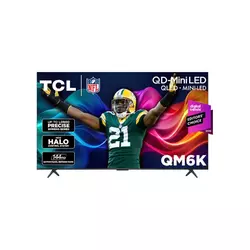
- TCL QM6K 55"
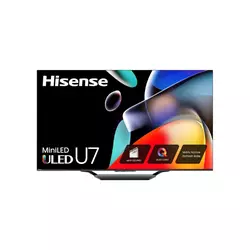
- Hisense U7SG 55"
- Samsung Q8F 55"
- Roku Pro Series 2025 55"
- LG QNED85T 55"
- Lag, Hertz and HDMI: Reader Questions
How to Shop for a Low-Lag Gaming TV: Buying Guide
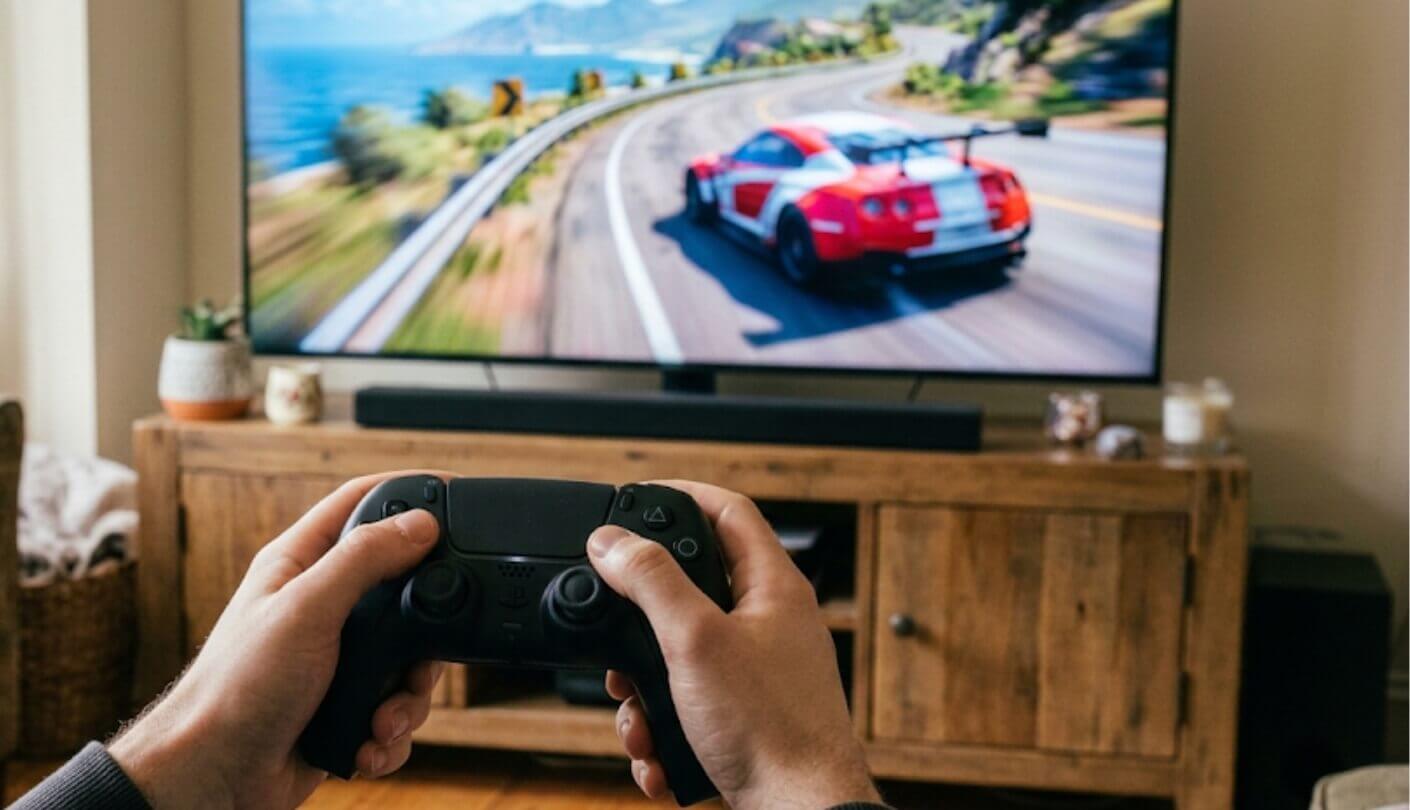
Spec sheets love big refresh numbers and say almost nothing about delay. To compare these TVs fairly, I leaned on lab measurements from RTINGS, Tom's Guide, CNET and Consumer Reports and read them side by side. The five subsections below run from the setting that matters most to the small print that trips people up after the TV is already on the wall.
Game Mode Decides Almost Everything
Modern TVs run every frame through a chain of processing: noise reduction, sharpening, motion smoothing, local dimming algorithms. Each step costs time. Game mode strips most of that chain away, and the difference is enormous. In RTINGS testing at 4K 60Hz, the TCL QM6K sits at 10.2 milliseconds in game mode and climbs to around 108 outside it, with no change to the panel or the signal.
The fastest TV in a slow picture mode loses to a slower TV in game mode every single time. Check the mode before you blame the hardware.
Auto Low Latency Mode, usually shortened to ALLM, flips that switch for you when a console wakes up. All five TVs here support it, and I leave it on everywhere, because the alternative is remembering to change modes after every movie night. The Samsung Q8F goes a step further, since RTINGS found its lag stays relatively low even outside the dedicated game mode. With ALLM, the console sends a flag over HDMI, the TV jumps straight into its low-latency state, and your movie settings come back as soon as you switch inputs.
Why 120Hz Cuts the Wait
A 60Hz signal brings a new frame every 16.7 milliseconds. At 120Hz that interval drops to 8.3 milliseconds, and at 144Hz to about 6.9. Since a TV cannot show a frame before it arrives, higher refresh rates shrink the floor for input lag along with everything else. That is why the same TCL that measures 10.2 milliseconds at 4K 60Hz drops to 5.5 at 120Hz in RTINGS testing.
The catch is that the source has to send a 120Hz signal. A PS5 or Xbox Series X does that only in games with a performance or 120Hz mode, and a PC does it when the graphics card and settings allow. I check a game's options menu for a 120Hz toggle before judging any TV, because a set running a 60Hz signal will feel like a 60Hz set no matter what the box promises. VRR adds a useful layer on top. A game hovering around 90 frames per second inside a 120Hz signal still enjoys the shorter frame interval, while the TV times each frame to its arrival.
Counting the Fast Ports
Only HDMI 2.1 bandwidth carries 4K at 120Hz or more, and many TVs ration it. Two of these sets give you two fast inputs, while the Hisense, the Samsung and the LG run all four at full speed. Two fast ports cover a console and a gaming PC, which is fine until another console or a streaming box with high frame rate output arrives. The cable matters too. 4K at 120Hz needs an Ultra High Speed HDMI cable, and an older one can cause flickering, dropouts or a black screen that looks like a broken TV.
Find out which port carries eARC before you plan the cables. On some TVs the soundbar steals one of the only two fast inputs.
The TCL handles this well, putting eARC on one of its slower HDMI 2.0 ports so the soundbar never competes with a console. The Hisense and the LG both put eARC on HDMI 3, which is still a full-speed port on those sets, so nothing is lost there either. I sketch the port plan on paper before mounting any TV, since swapping cables behind a wall bracket is nobody's idea of a fun evening.
VRR, FreeSync and HGiG Without the Jargon
Variable refresh rate lets the TV wait for the console's next frame instead of showing a torn or repeated one when performance dips. HDMI Forum VRR covers consoles, while AMD FreeSync covers many PCs and Xbox. The Premium Pro tier adds requirements around HDR handling, and three of these TVs carry it. HGiG is a separate setting that lets the console handle HDR tone mapping so highlights do not clip twice. Low Framerate Compensation, or LFC, stretches VRR below the panel's minimum by repeating frames, which keeps a sudden dip in a busy scene from turning into visible tearing.
Implementations differ in the details. RTINGS found VRR on the Hisense U7SG effective across an extremely wide range, yet flagged sluggish pixel transitions that blur fast motion, which matters more in a twitchy shooter than in a slow strategy game. I would rather know about a quirk like that up front than discover it mid-campaign, which is why each review below calls out the known oddities alongside the strengths.
Settings That Quietly Add Delay
Motion smoothing is the biggest hidden cost. RTINGS measured the TCL at nearly 129 milliseconds with interpolation running at 4K 60Hz, more than twelve times its game-mode figure. Some TVs offer a game-friendly version of smoothing with a smaller penalty, but the full movie-style processing turns any set into a slideshow for your thumbs.
Turn off motion smoothing for games unless the TV offers a dedicated low-lag version. It can cost ten times the delay of the panel itself.
Other culprits include external processors such as some AV receivers and capture cards passing video through, plus wireless video boxes. Firmware also moves the numbers over time, and RTINGS retested the LG QNED85T after a 2025 update for exactly that reason. I keep auto-updates on for every gaming TV I own, since manufacturers do fix latency bugs after launch. One more habit worth building: after any big update, open the game menu and confirm that VRR and ALLM are still enabled, because resets happen more often than release notes admit.
Five Fast TVs That Stay Under the Cap
The order rests on four factors: game-mode lag, full-speed HDMI ports, gaming features like VRR and HGiG, and picture quality once the console is off. Price stayed out of it, since all five dip under the cap during sales. Every set here is the 55-inch version, one from 2024, three from 2025 and one from 2026.
- 4.7 ms At 144Hz
- Game Accelerator 240
- Delta-E 1.0 Accuracy
- Full-Array Mini LED
- eARC Off Fast Ports
- 9.8 ms Measured Lag
- Native 165Hz Panel
- All Ports HDMI 2.1
- Matte Anti-Glare Screen
- Dolby Vision IQ
- Fast Outside Game Mode
- Four HDMI 2.1 Ports
- 4K 144Hz Input
- Game Bar Extras
- HGiG Support
- Under 10 ms Lag
- Full-Array Mini-LED Backlight
- Hands-Free Voice Remote
- Dolby Vision Gaming
- Bluetooth Headphone Mode
- Four HDMI 2.1 Inputs
- Fast Response Time
- Game Optimizer Menu
- Magic Remote Pointer
- HGiG And FreeSync
Low Input Lag TV Comparison
Lag verdicts come from RTINGS, so all five are judged by the same lab with the same method. The rest of the rows come from manufacturer and retailer specification sheets:
| Specification | TCL QM6K | Hisense U7SG | Samsung Q8F | Roku Pro Series 2025 | LG QNED85T |
| RTINGS Input Lag Verdict | Extremely low at every refresh rate | Incredibly low in all supported modes | Incredibly low, even outside Game Mode | Low | Very low in Game Optimizer, higher at 60Hz |
| Max 4K Refresh Rate | 144Hz | 165Hz | 144Hz | 120Hz | 120Hz |
| HDMI Ports at 4K 120Hz+ | 2 of 4 | 4 of 4 | 4 of 4 | 2 | 4 of 4 |
| Backlight | QD-Mini LED, full-array dimming | Mini-LED, full-array dimming | Edge-lit | Mini-LED, full-array dimming | Edge-lit with local dimming |
| VRR Support | HDMI VRR, FreeSync Premium Pro | HDMI VRR, FreeSync Premium Pro | HDMI VRR, FreeSync Premium | HDMI VRR, FreeSync Premium Pro | HDMI VRR, FreeSync Premium |
| HDR Formats | Dolby Vision IQ, HDR10+, HDR10, HLG | Dolby Vision IQ, HDR10+ Adaptive, HDR10, HLG | HDR10+, HDR10, HLG | Dolby Vision IQ, HDR10+ | HDR10, HLG |
| Smart Platform | Google TV | Google TV | Tizen | Roku OS | webOS |
| Standout Extra | Delta-E 1.0 color accuracy in Tom's Guide testing | Matte anti-glare screen coating | Game Bar with Mini Map Zoom | Hands-free lost remote finder | Magic Remote pointer control |
The lag row looks close on purpose, because all five are quick once set up properly, and RTINGS describes every one of them as low or better. Real separation shows in the port and refresh rows. A PC gamer chasing 144Hz or more has three candidates, a household with several consoles has three that run every input at full speed, and anyone who cares about dark-room movies between sessions should look hardest at the three full-array backlights. The HDR row settles the rest for Netflix viewers, since only three sets here play Dolby Vision.
TCL QM6K 55" Review
Editor's Choice
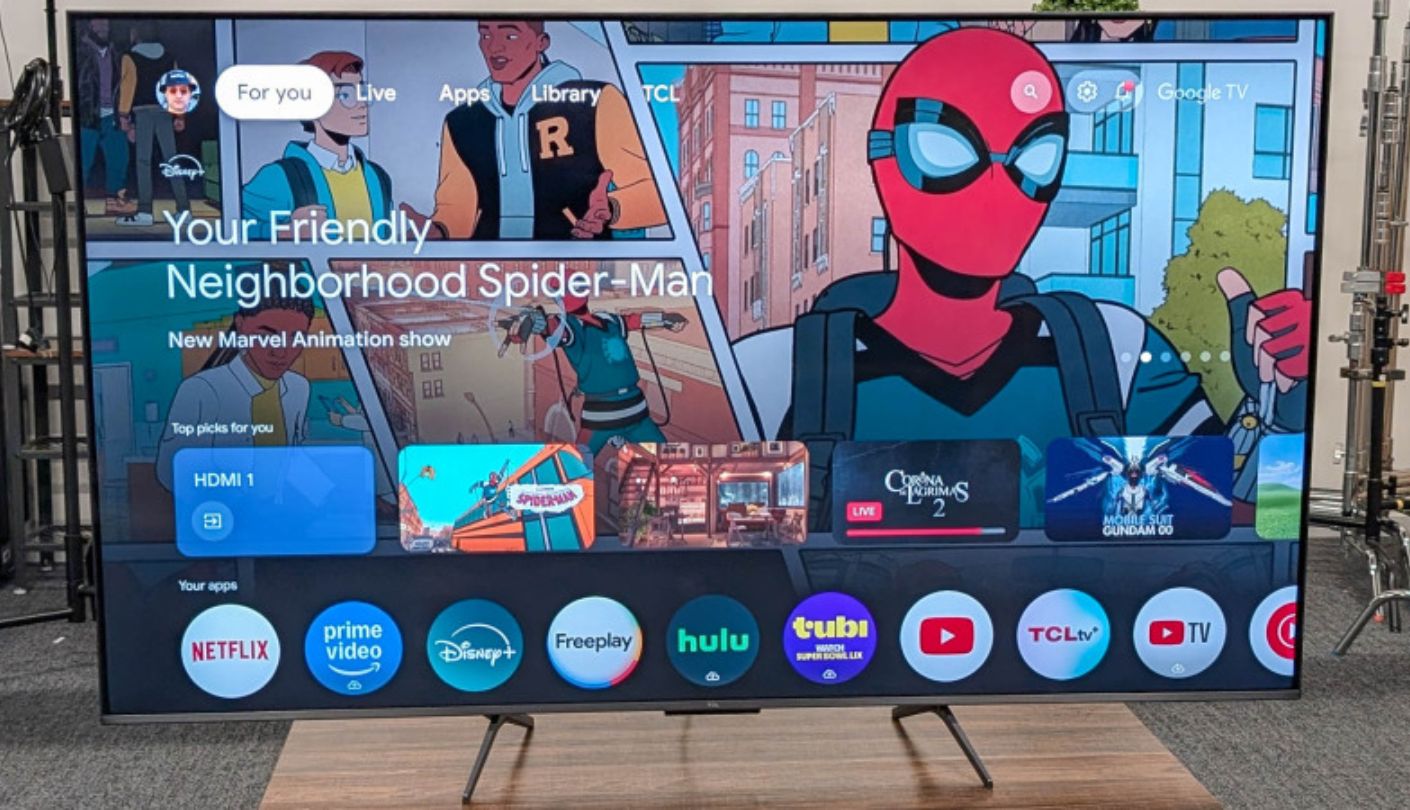
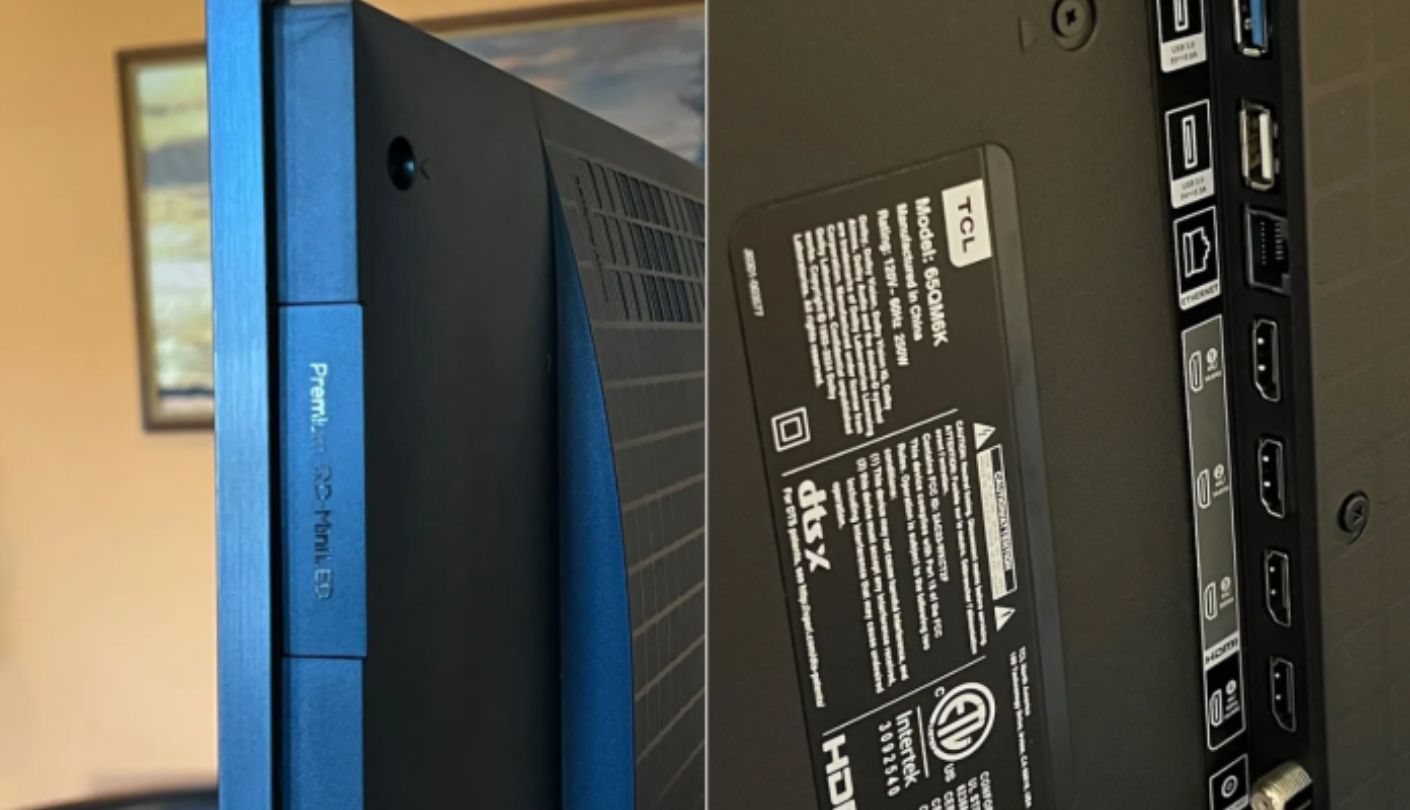
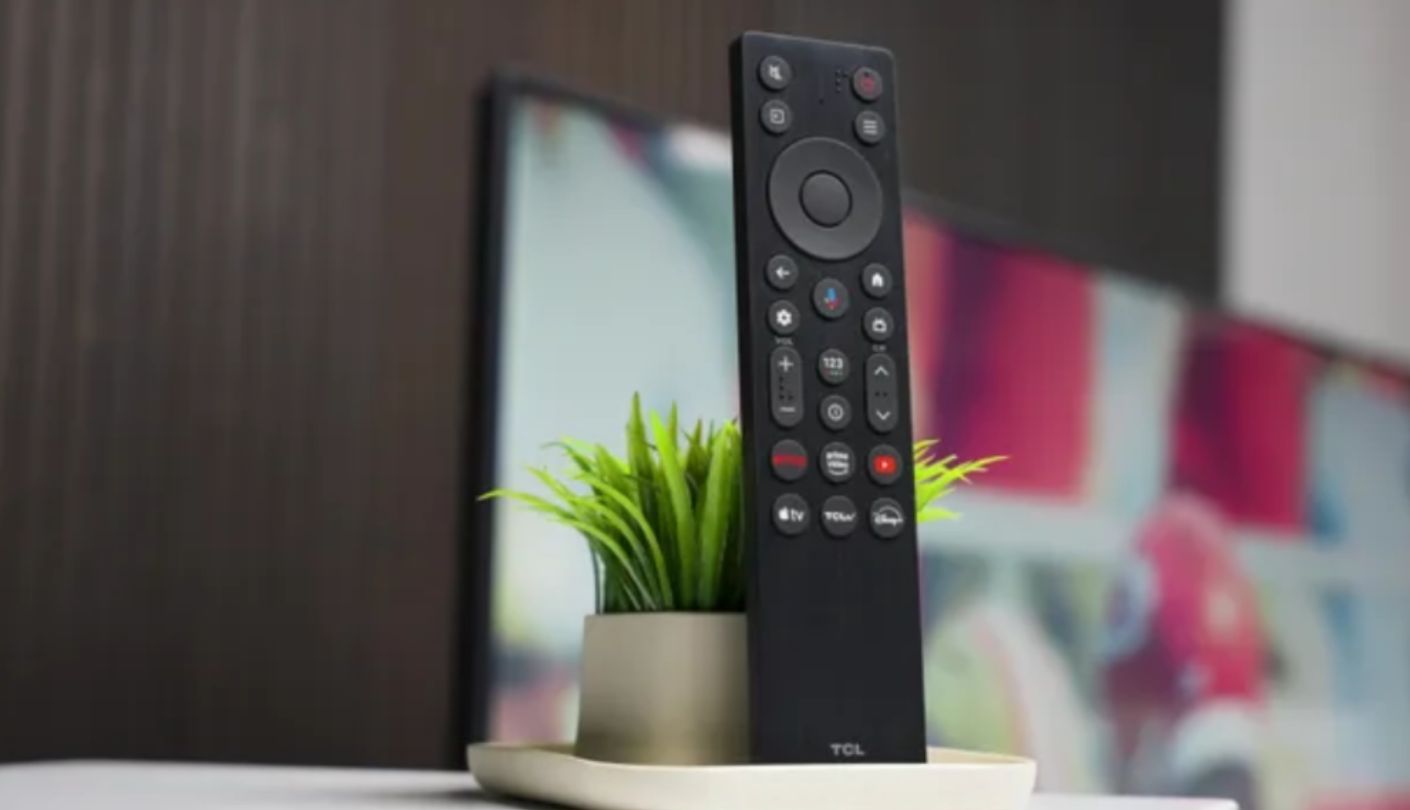
How fast does a television have to be before your hands stop noticing it? The TCL QM6K sits comfortably past that line. RTINGS measured 10.2 milliseconds at 4K 60Hz, 5.5 at 4K 120Hz and 4.7 at 4K 144Hz in its Game Master mode, and calls the lag extremely low at every refresh rate it supports. For a mid-priced 55-inch set, that is about as quick as the category gets.
Speed comes with a capable picture. The QM6K pairs quantum dots with a Mini LED backlight and full-array local dimming, and TCL's Halo Control processing keeps blooming in check around bright objects. Tom's Guide measured a Delta-E of just 1.0 alongside about 688 nits in SDR, which means accurate color out of the box and enough brightness for a sunny room. Every major HDR format is covered, from Dolby Vision IQ and HDR10+ to HDR10 and HLG, and Dolby Vision gaming works with an Xbox for HDR titles that use it.
Gaming features go deep. Two HDMI 2.1 ports accept 4K at 144Hz, FreeSync Premium Pro and HDMI VRR handle frame rate dips, and Auto Game Mode switches modes when a console wakes. TCL's Game Accelerator 240 pushes 1080p signals up to 240Hz on the 55-inch model, with a 288 variant reserved for bigger screens. The eARC connection sits on one of the two slower HDMI 2.0 ports, so a soundbar never takes a fast input away from a console. RTINGS adds that the 4K VRR range is wide enough for Low Framerate Compensation, which keeps the image tear-free when frame rates sag well below the panel's limit.
Two lab results deserve context. Tom's Guide measured 13.1 milliseconds with its Leo Bodnar tester, one of the two slowest figures in its comparison table, which shows how much methods differ between labs. RTINGS also rated the TV's pixel transitions at 60Hz as mediocre, so fast motion in 60fps games shows some blur. The Onkyo 2.1 speaker system with a built-in subwoofer earned mixed reviews, and Tom's Guide found the Google Assistant button sitting where a thumb expects Home.
None of that outweighs the core result. Its lag at 120Hz and 144Hz sits among the lowest any TV in this class posts, it covers every major gaming feature, and the picture holds up when the controller goes down. It also tends to sell for less than the newer Hisense, so for a fast, accurate gaming TV without paying for 2026 hardware, I would order this one first and spend the difference on a soundbar.
Pros:
- 4.7 ms At 144Hz
- Game Accelerator 240
- Delta-E 1.0 Accuracy
- Full-Array Mini LED
- eARC Off Fast Ports
Cons:
- Mediocre 60Hz Motion
- Inconsistent Onkyo Speakers
Summary: A panel that answers in about 5 milliseconds once a game runs above 60fps. PC players with a graphics card that can hold 144fps get the most out of it, since that is where its lag drops lowest.
Hisense U7SG 55" Review
Best Overall
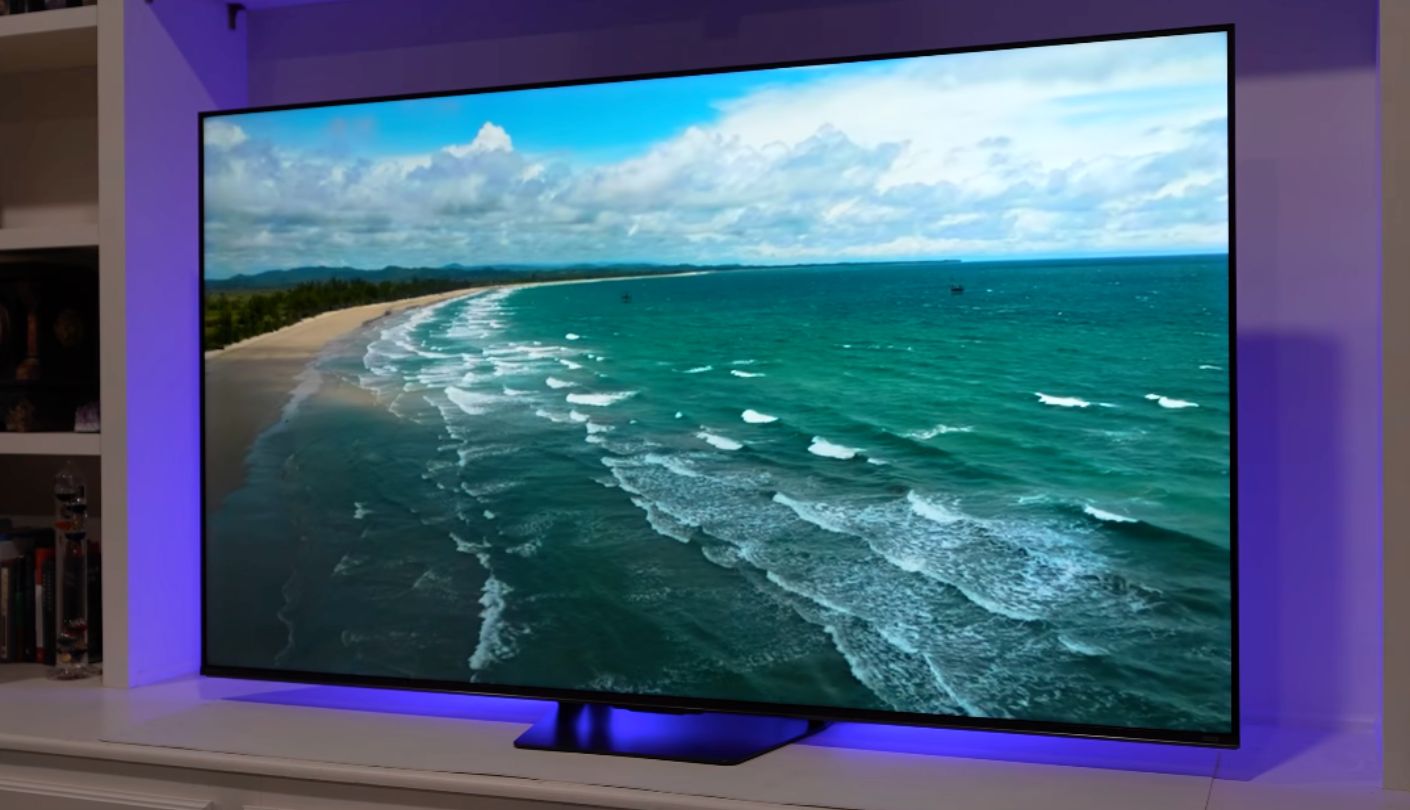
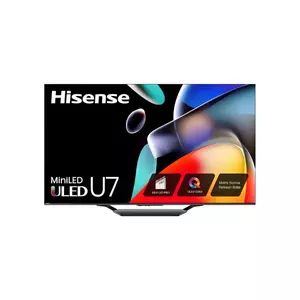
I went in expecting the Best Overall pick to trade a little speed for picture quality, and the Hisense U7SG proved me wrong. Consumer Reports measured 9.8 milliseconds of input lag on this exact 55-inch model, Tom's Guide recorded the same 9.8 on the 65-inch version with its Leo Bodnar tester, and RTINGS calls the lag incredibly low in every supported mode. It is also the newest TV here, a 2026 model that replaces last year's U75QG.
Picture quality is where it pulls ahead of the pack. RTINGS measured excellent HDR peak brightness, bright and vibrant colors, and deep blacks backed by a very good full-array Mini-LED local dimming system. A matte anti-glare coating cuts reflections noticeably, so the same TV works in a sunlit room and a dark one. HDR coverage spans Dolby Vision IQ, HDR10+ Adaptive, HDR10 and HLG, with IMAX Enhanced certification on top. Tom's Guide did note that HDR performance could be stronger, so pricier flagships still hold an edge there.
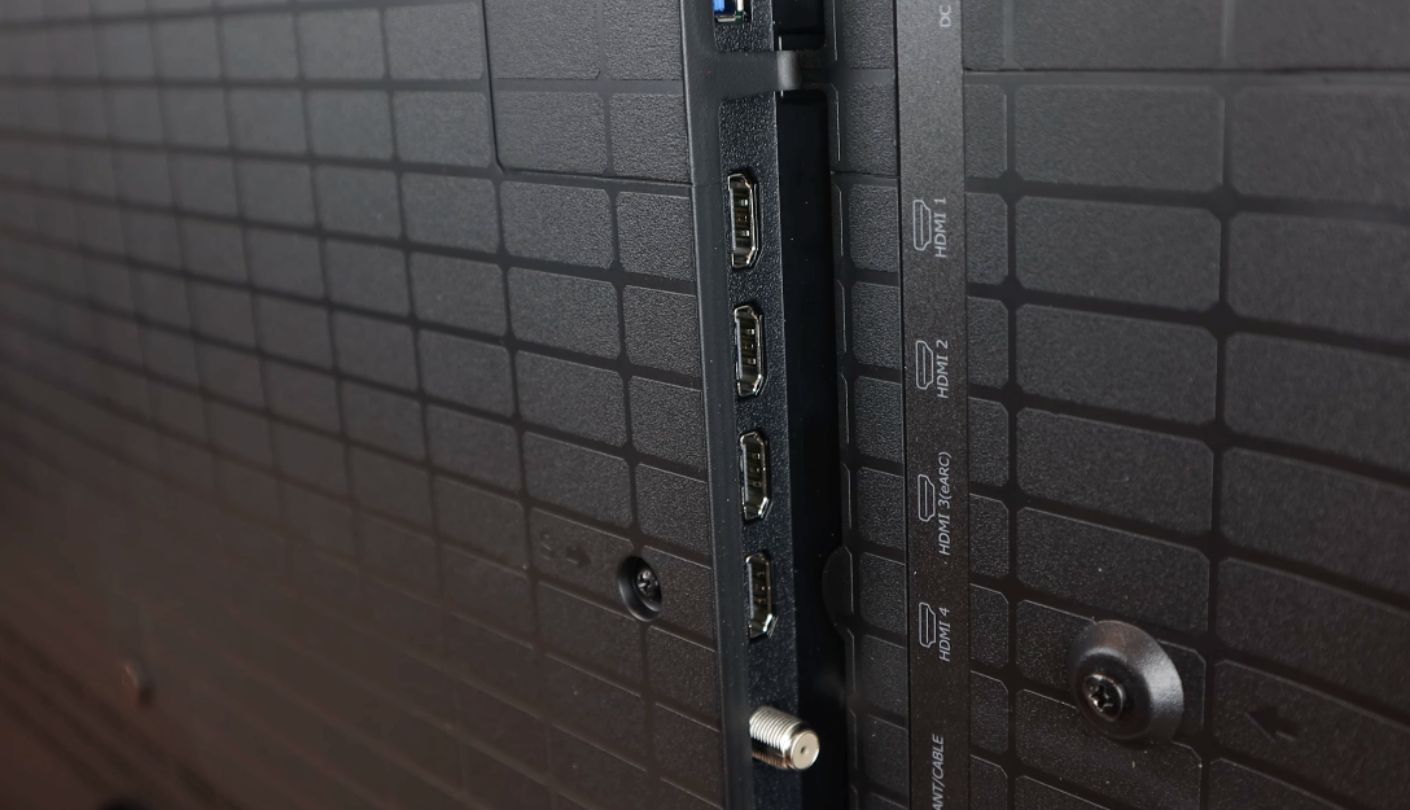
Gaming hardware goes further than anything else in this lineup. The panel runs at 165Hz natively, all four HDMI 2.1 inputs accept 4K at up to 165Hz, and 1080p signals reach 330Hz for PC players. RTINGS found VRR effective across an extremely wide range, FreeSync Premium Pro is supported, and eARC sits on HDMI 3. Hisense's Game Bar overlay shows the current refresh rate, toggles FreeSync and can even place an aiming crosshair on screen.
The weak spot is motion clarity. RTINGS found sluggish pixel transitions that blur fast motion in games, rated the response at the 165Hz maximum as just okay, and noted visible stutter in slow panning shots plus some color artifacts. The built-in sound is a pleasant surprise, which Tom's Guide described as more powerful than expected. Google TV handles apps, Wi-Fi 6E covers the network, and an ATSC 3.0 tuner picks up NextGen TV broadcasts.
Who should pick it over the TCL? Anyone who wants one TV to do everything well, from bright daytime sports to dark-room films to a console and a gaming PC sharing four full-speed ports. The blur in fast scenes is the price of that range, and I would accept it for a shared family TV without a second thought. Players who spend most evenings in fast shooters should weigh that trade before ordering.
Pros:
- 9.8 ms Measured Lag
- Native 165Hz Panel
- All Ports HDMI 2.1
- Matte Anti-Glare Screen
- Dolby Vision IQ
Cons:
- Blurry Fast Motion
- Stutter In Slow Pans
Summary: The most complete package in this lineup, with the newest hardware and HDMI 2.1 on every input. Bright-room viewers get the most from it, since the matte coating keeps windows and lamps from washing out the picture.
Samsung Q8F 55" Review
Always Responsive
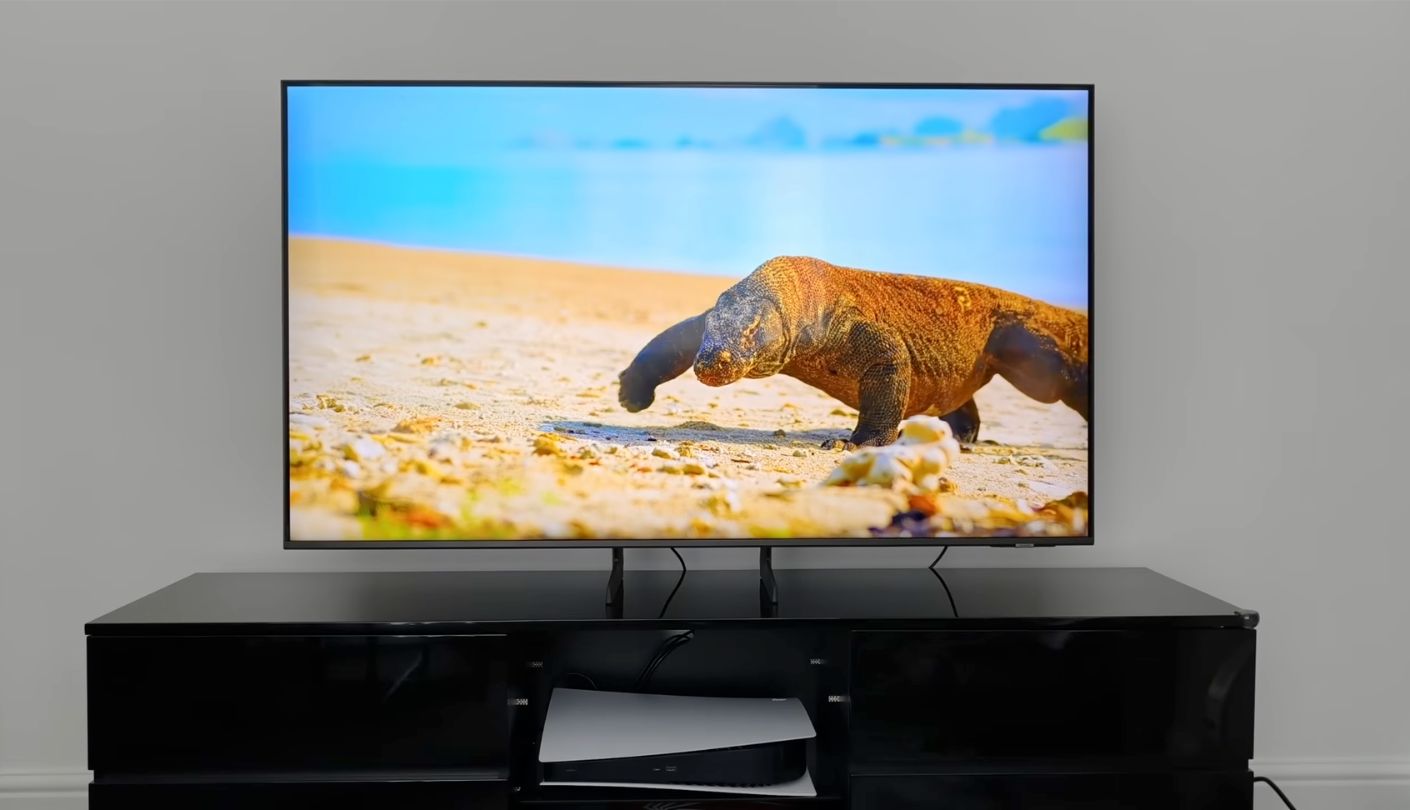
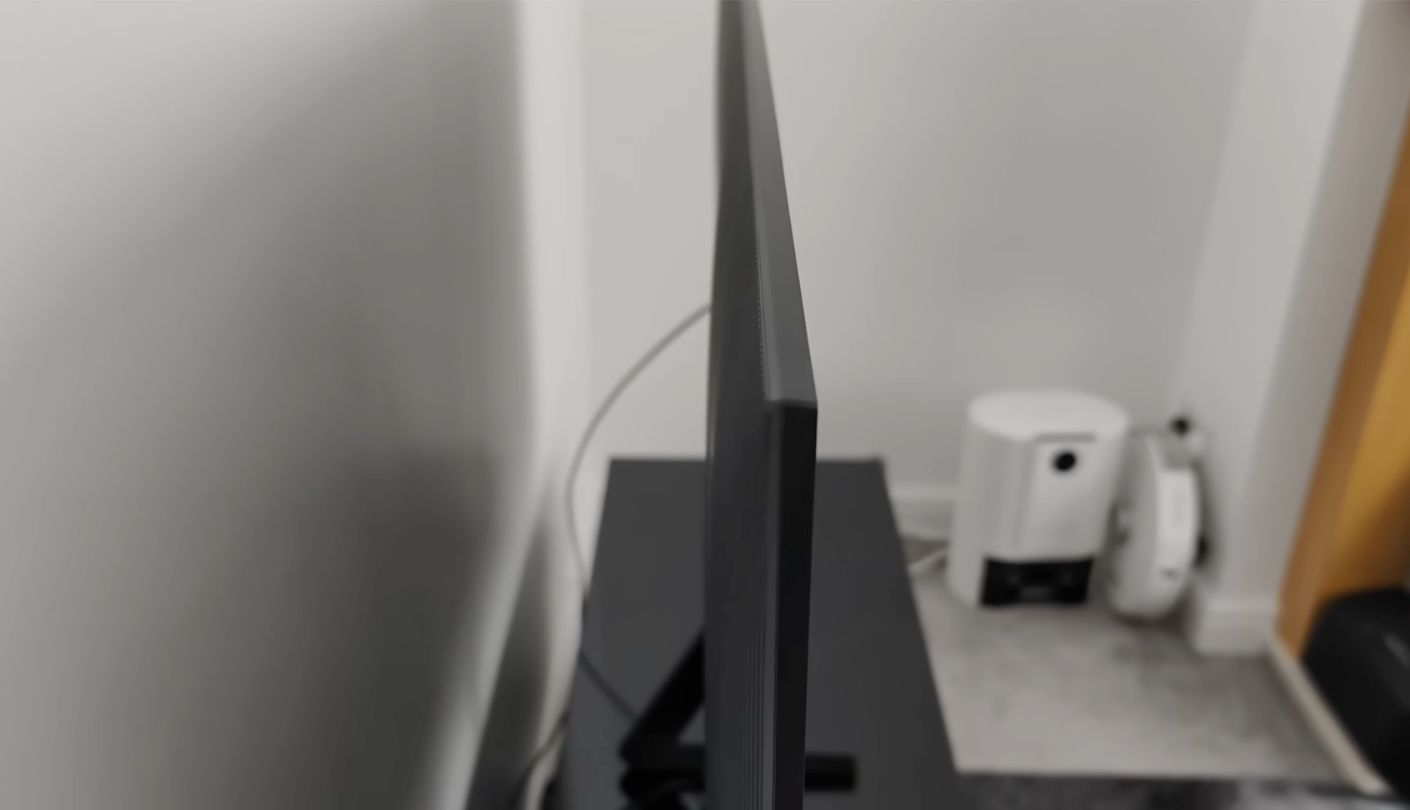
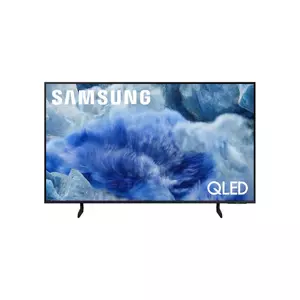
Judged purely as a picture, the Samsung Q8F is the weakest TV here. RTINGS rated its peak brightness and black levels as poor, a direct result of an edge-lit backlight. Judged on responsiveness, the story flips. The same lab describes its input lag as incredibly low with every supported format, and unlike most TVs, low even outside the dedicated Game Mode.
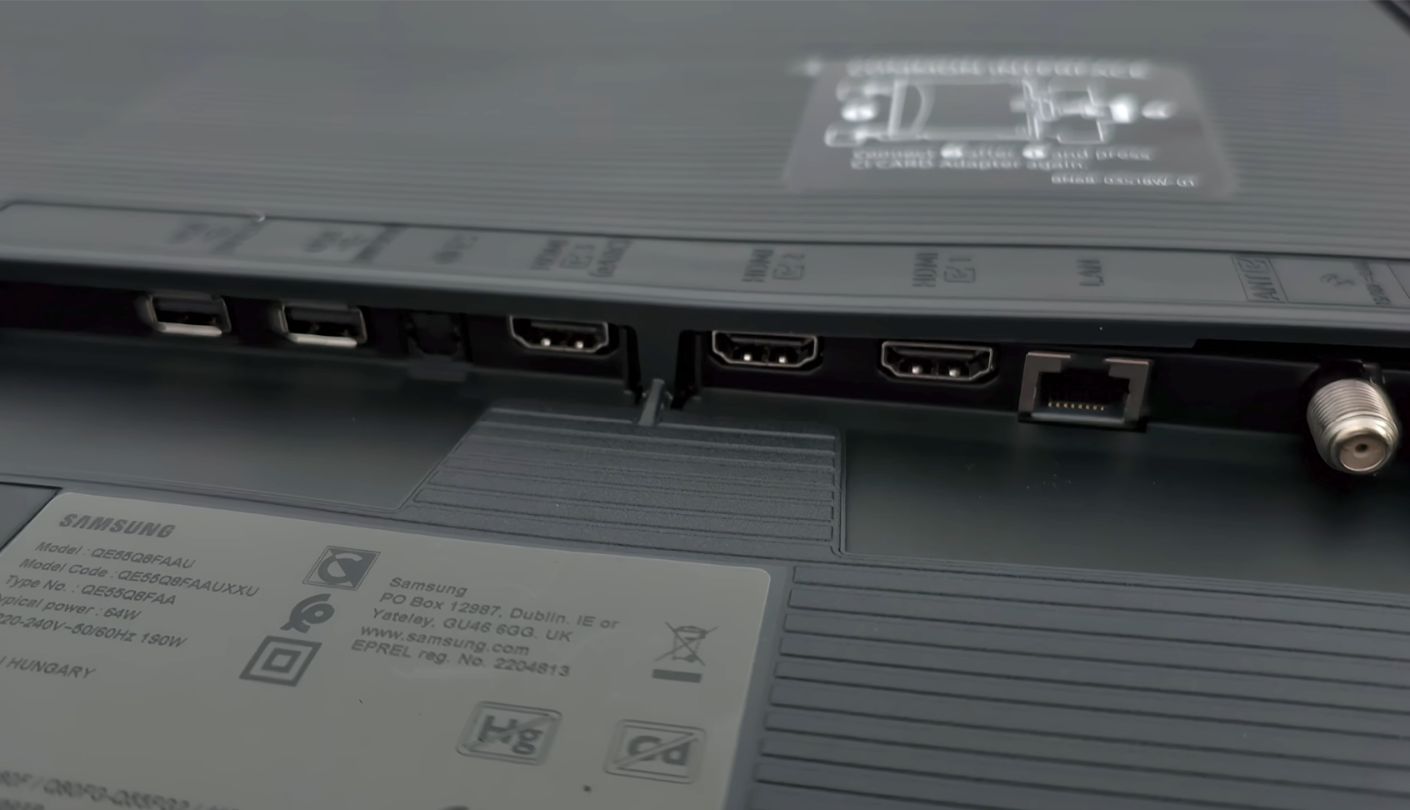
That last detail sets the Q8F apart. If you like a bit of extra processing turned on, or you navigate menus from a console and hate the sluggish feel of a TV in movie mode, the Samsung punishes you less than the rest. It is also one of three TVs here, alongside the Hisense and the LG, with HDMI 2.1 bandwidth on all four inputs, and Samsung lists 4K at up to 144Hz on every port.
The panel refreshes at 120Hz natively. HGiG, ALLM, HDMI VRR and FreeSync Premium all appear on the feature list, and RTINGS confirms full compatibility with what the PS5 offers, including 1440p and 4K at 120Hz. Samsung's Game Bar adds tools usually found on gaming monitors, such as a virtual aim point and Mini Map Zoom, and the Gaming Hub streams cloud games without a console at all.
The trade-offs show up after the console goes off. HDR highlights lack impact, dark scenes look gray in a dim room, and Dolby Vision is absent, so streaming titles mastered in that format play in HDR10 instead. Tizen handles the smart side with Samsung TV Plus, Multi View and Apple AirPlay, and the Q8F range runs from 32 to 85 inches if 55 feels wrong for your room. Anyone planning long movie nights will get more from the full-array sets here. In daylight with the blinds open the gap narrows, and for bright-room gaming the Q8F feels more comfortable than its lab scores suggest.
This TV belongs in a game room or a bright bedroom where the controller gets more use than the remote. Four full-speed ports suit a household with an Xbox, a PS5 and a PC all fighting for space, and the low lag outside Game Mode makes it forgiving for less technical players who never touch the settings.
Pros:
- Fast Outside Game Mode
- Four HDMI 2.1 Ports
- 4K 144Hz Input
- Game Bar Extras
- HGiG Support
Cons:
- Weak HDR Brightness
- Lacks Dolby Vision
Summary: A gaming-first TV that stays quick no matter which mode it lands in. Families where nobody wants to manage picture settings will appreciate that forgiving behavior more than any spec on the box.
Roku Pro Series 2025 55" Review
Simplest Software
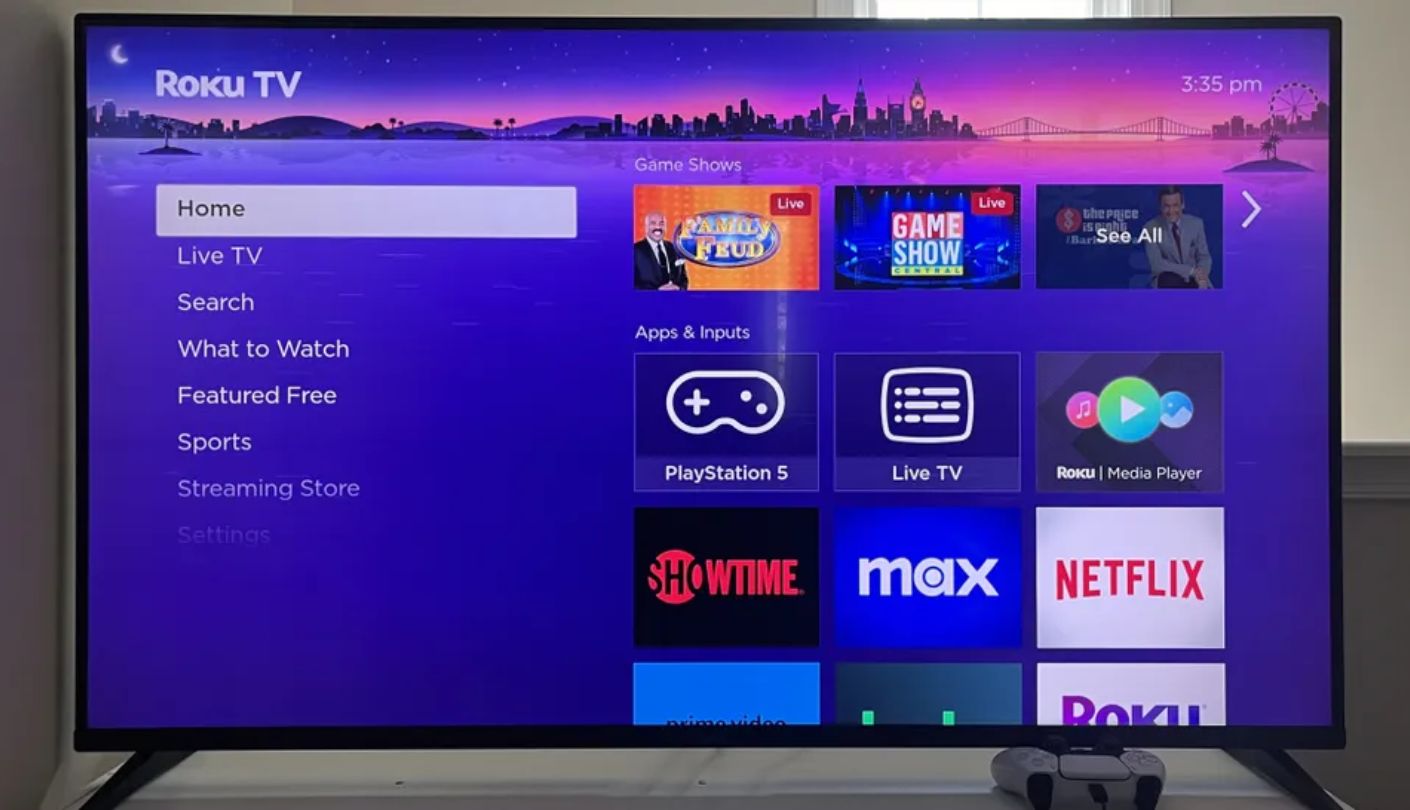
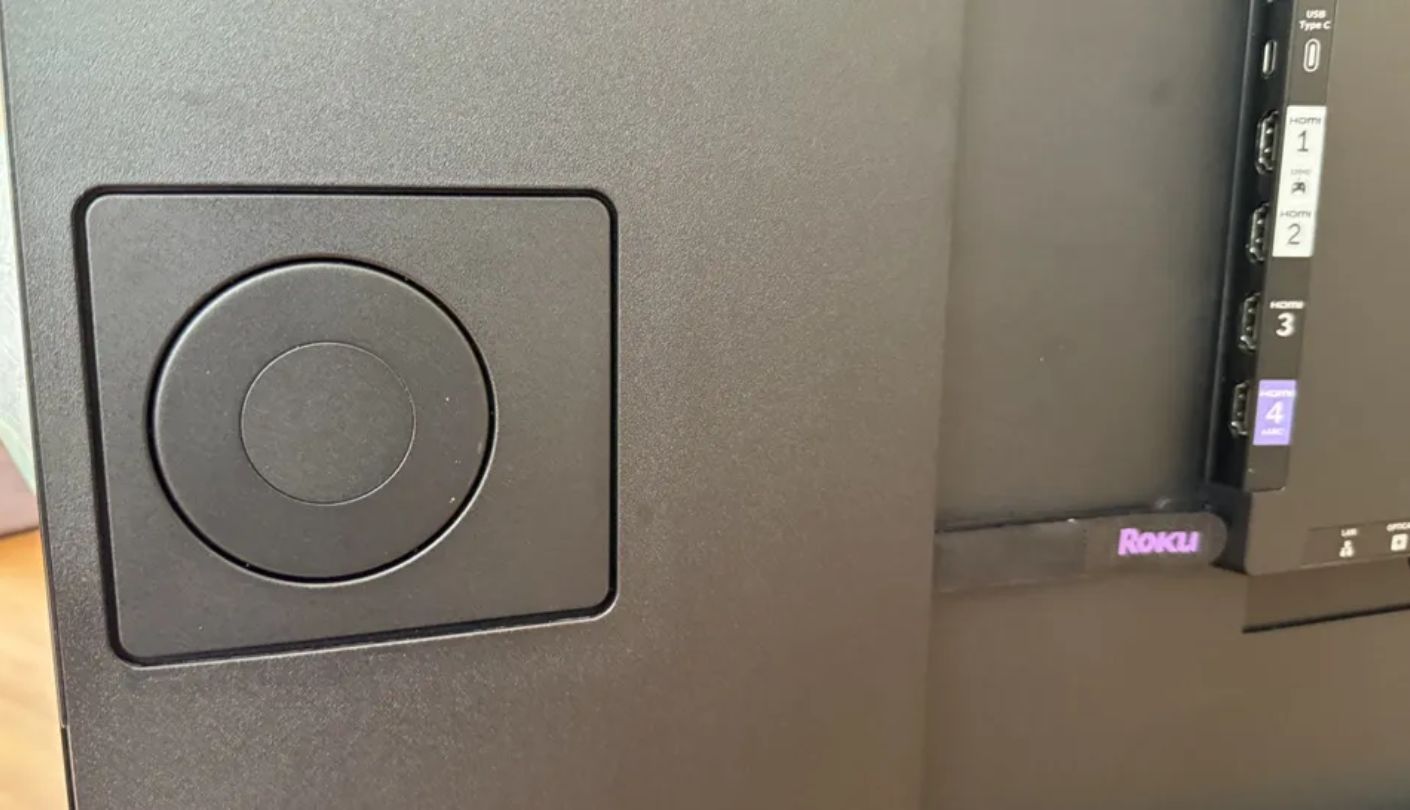
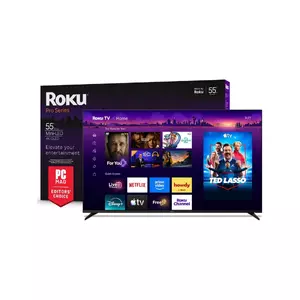
Under 10 milliseconds at both 4K and 1080p. That is how CNET's testing summed up the latency of the Roku Pro Series 2025, and its reviewer described that level as undetectable during play. RTINGS rates the lag as low and confirms full support for what the PS5 and Xbox Series X offer, including 4K at 120Hz, HDMI Forum VRR and, on Xbox, Dolby Vision gaming.
The Pro Series sits at the top of Roku's own TV range, above the Plus and Select Series, and its 120Hz panel relies on full-array Mini-LED zones behind a quantum dot layer. Roku keeps quiet about the zone count, but in CNET's four-TV comparison it showed the highest brightness, ahead of TCL's QM6K and QM7K. HDR10+ and Dolby Vision IQ adjust to ambient brightness, and AI-powered Roku Smart Picture Max refines color and sharpness scene by scene.
Two of the HDMI inputs carry 4K 120Hz, and automatic game mode, ALLM, VRR and FreeSync Premium Pro are all included. There is one oddity worth knowing. RTINGS found that the TV switches to PC Mode automatically when it detects a computer, with no easy way back out, which can frustrate anyone who wants a different picture mode for desktop use. Console players never trigger that behavior, so the quirk mostly affects desktop use. The 120Hz ceiling also rules out 144Hz PC gaming.
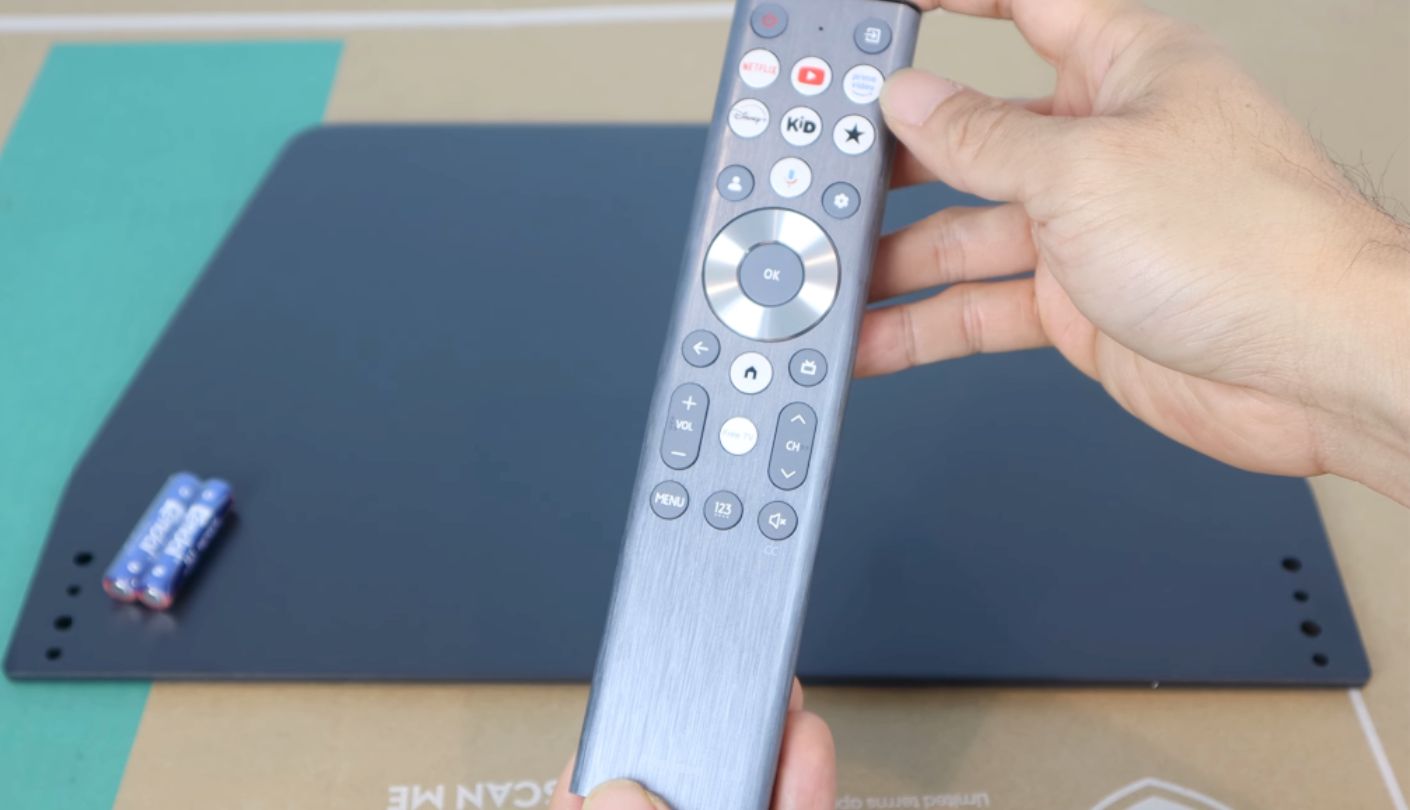
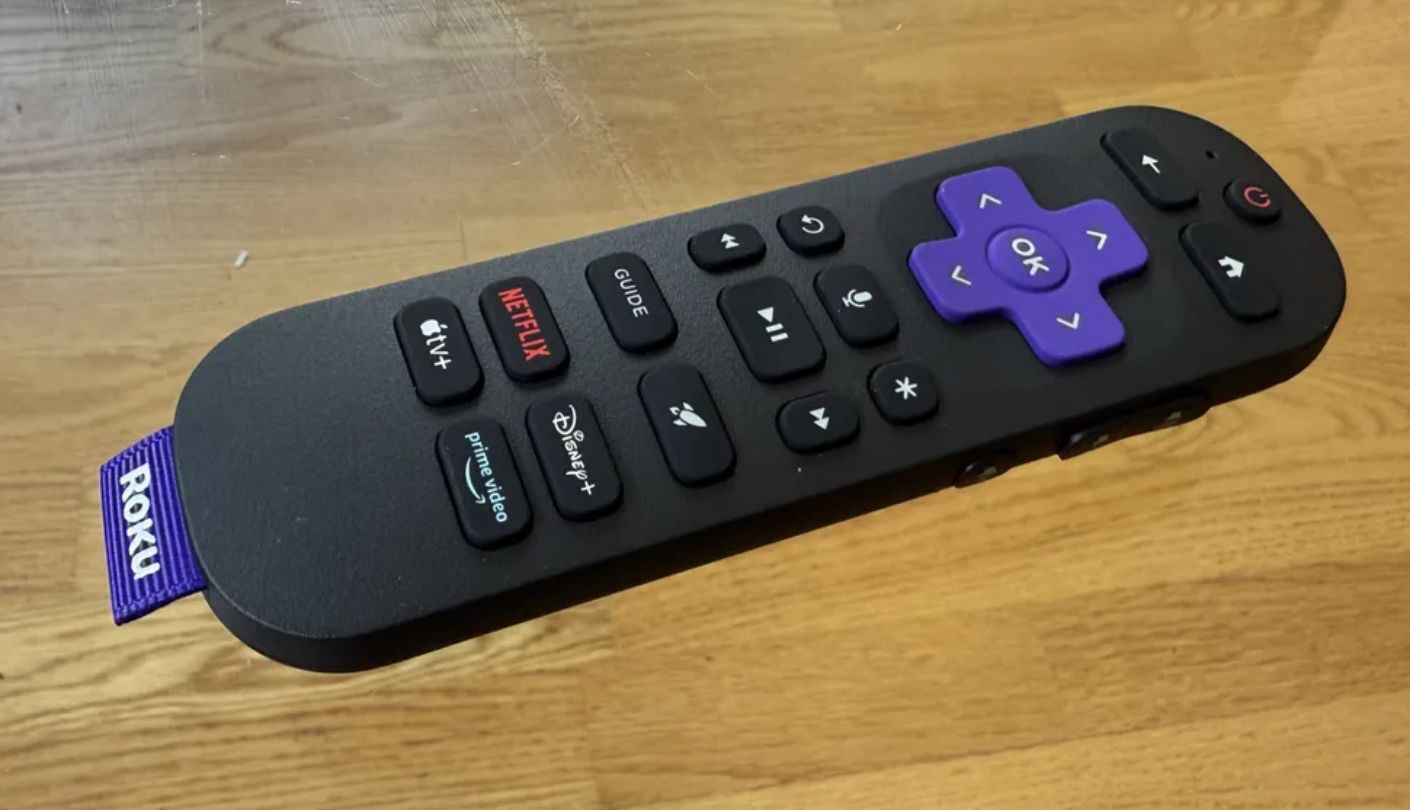
Software is where Roku shines brightest. The home screen stays simple, the backlit Voice Remote Pro responds to hands-free commands, and asking where the remote went makes it play a sound from wherever it hid. Side-firing speakers support Dolby Atmos, and Bluetooth Headphone Mode lets one player game late at night without waking anyone. Automatic game mode means the TV changes state on its own when a console powers up, so nobody has to hunt through menus before a match.
Console households that also want a great streaming TV should start here. Low lag, a full-array backlight and the friendliest interface in this lineup make it the easiest pick to hand to a family. PC gamers who need 144Hz or more than two fast inputs will find better matches above.
Pros:
- Under 10 ms Lag
- Full-Array Mini-LED Backlight
- Hands-Free Voice Remote
- Dolby Vision Gaming
- Bluetooth Headphone Mode
Cons:
- Tops Out At 120Hz
- Sticky PC Mode
Summary: The friendliest TV here for a console plus streaming setup, with lag low enough to disappear in play. Roku's own software makes it the one I would set up for relatives who never want to open a settings menu.
LG QNED85T 55" Review
Clear Motion
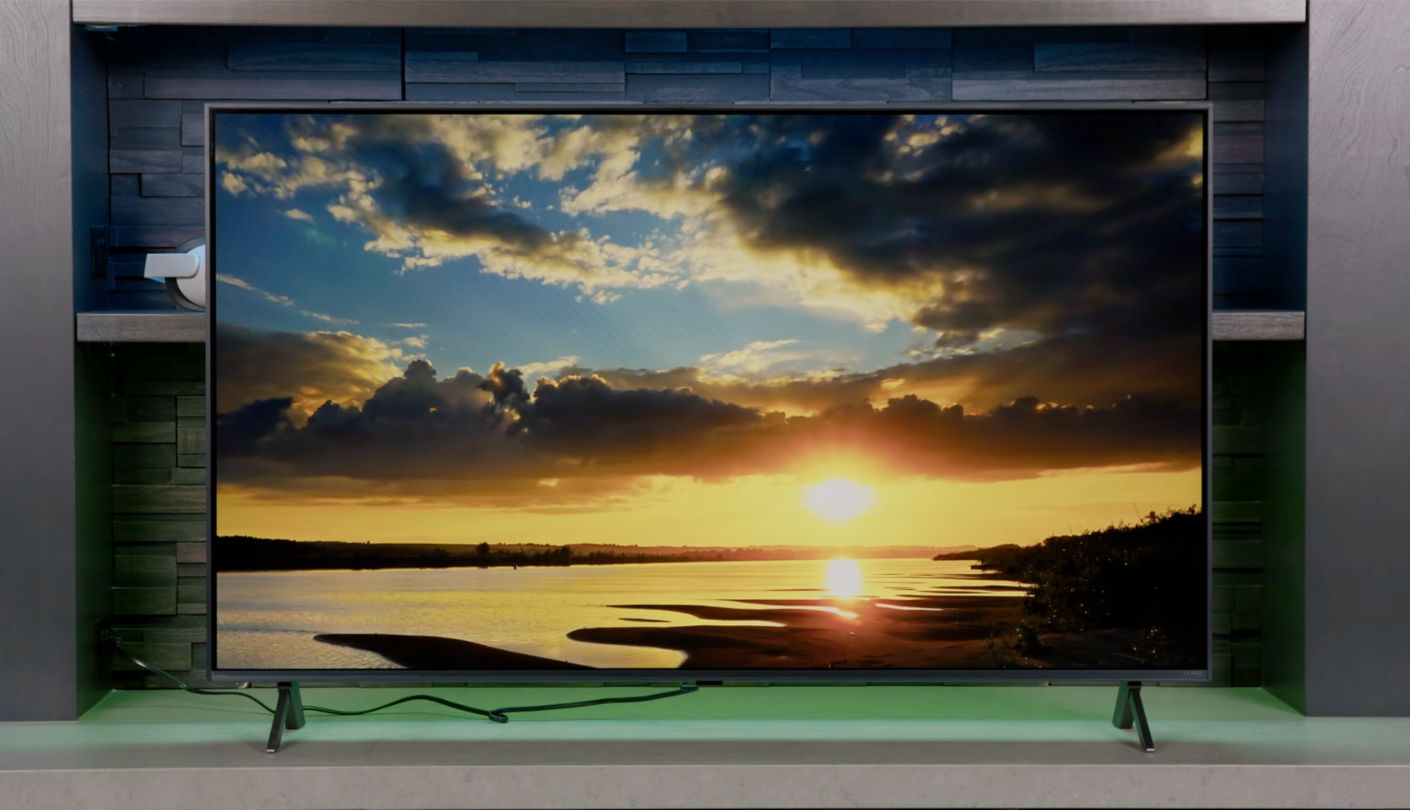
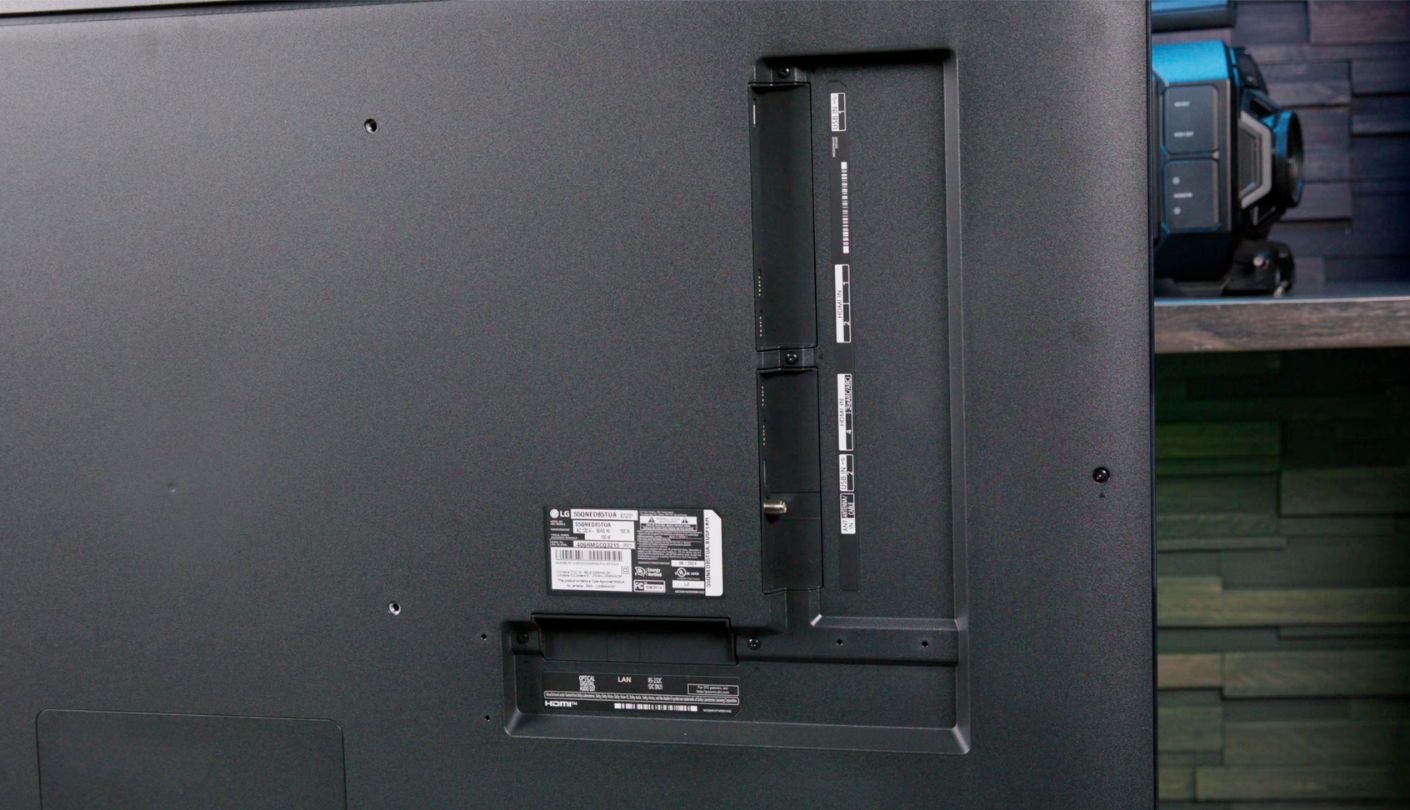
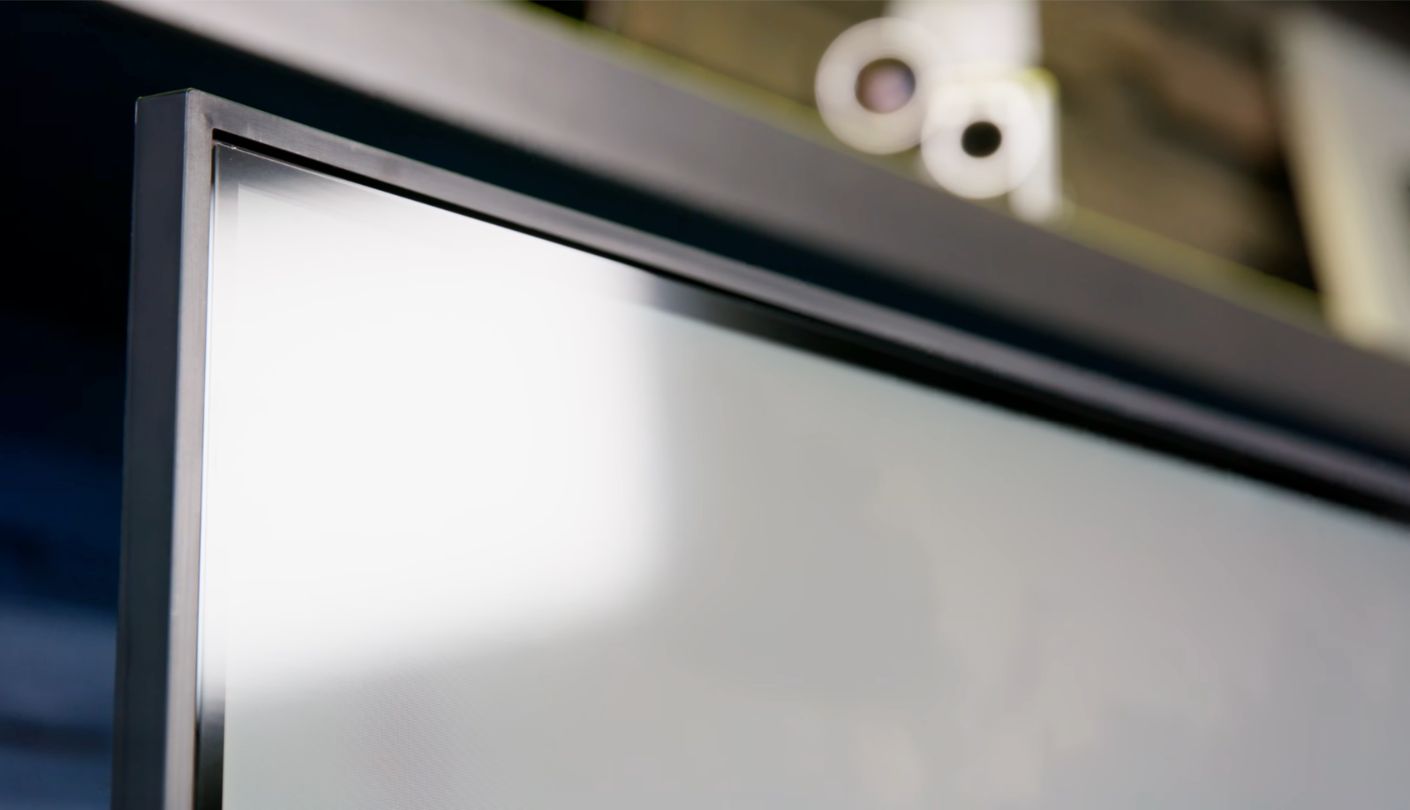
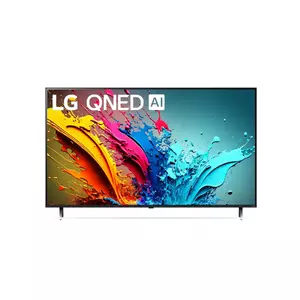
Input lag is not fixed at the factory, and the LG QNED85T proves it. In March 2025, RTINGS went back to this TV after firmware 23.20.27 arrived, retested its latency and updated the results. Its verdict after that retest is that lag is remarkably low in Game Optimizer mode, though a lot higher at 60Hz than at 120Hz.
That split defines how to use it. With a console or PC sending 120Hz, the QNED85T feels very responsive, and RTINGS credits it with a fast response time, so motion stays mostly free of blur. At 60Hz the delay grows enough for sensitive players to notice. All four HDMI inputs carry HDMI 2.1 bandwidth for 4K at 120Hz, with VRR, FreeSync Premium, ALLM and HGiG supported, and eARC on HDMI 3.
One listing detail needs correcting. Some retailer answers describe the 55QNED85TUA as a full-array Mini LED TV, but RTINGS tested it as an edge-lit set with local dimming, and found that dimming limited by that design. With local dimming disabled, dark screens look cloudy and blue. RTINGS also noted backlight flicker at 120Hz with local dimming on. Next to the three full-array sets here, that design means shallower blacks in dark scenes.
The software side is a strength. LG's webOS 24 runs on the α8 AI processor, the Magic Remote works like a pointer for fast menu navigation, and the Game Optimizer menu gathers every gaming setting in one place. The built-in speakers are a 20W 2.0 system with Dolby Atmos support, and DTS audio passes through to a soundbar.
Pick this TV if your games run at 120Hz and you value smooth, blur-free motion plus four full-speed ports over HDR punch. A household with two consoles and a PC can plug everything in at once without a switcher. It also makes a tidy PC display, since RTINGS rates it very good for desktop use. For movie nights in a dark room, the three full-array sets above make the stronger choice.
Pros:
- Four HDMI 2.1 Inputs
- Fast Response Time
- Game Optimizer Menu
- Magic Remote Pointer
- HGiG And FreeSync
Cons:
- Edge-Lit Backlight
- Laggier At 60Hz
Summary: A 120Hz specialist with crisp motion and four fast inputs, weaker as a movie screen. Keep auto-updates on, since this model has already shown that firmware can move its latency results.
Lag, Hertz and HDMI: Reader Questions
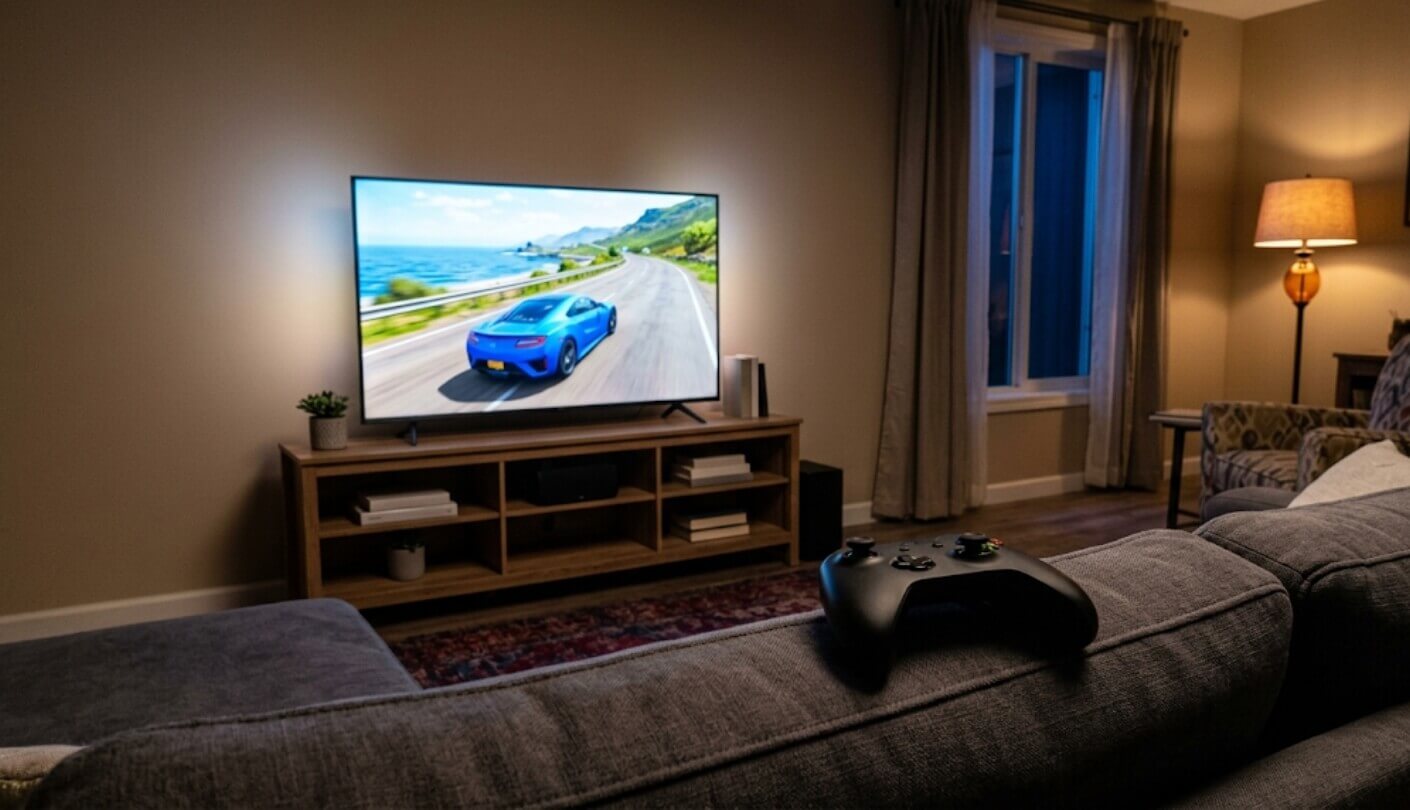
How much input lag can a player actually feel?
Sensitivity varies from person to person, and competitive players notice smaller gaps than casual ones. CNET describes figures under 10 milliseconds as undetectable in play, and every TV here gets close to or below that level in game mode at 120Hz. The differences of a few milliseconds between these five TVs in game mode matter far less than the 100-plus milliseconds you add by leaving a movie picture mode switched on.
Does a 120Hz TV lower lag in 60fps games?
Only if the source sends a 120Hz signal. Most consoles output 60Hz for games without a 120Hz mode, and the TV then behaves like any 60Hz display. On a PC, setting the desktop to 120Hz or 144Hz and enabling VRR keeps the TV in its faster state even when the frame rate varies.
Is game mode enough, or do I need ALLM?
Game mode is what lowers the lag. ALLM simply switches it on automatically when the console starts and back off when it sleeps. All five TVs here support ALLM, so turn it on in both the TV and the console settings and stop thinking about it. If a streaming box or older device does not send the ALLM flag, select the game picture mode manually for that input.
Will a soundbar add input lag?
A soundbar delays only the audio, so the picture and your controller response stay exactly the same. Large audio delays can make sound feel out of sync, which most soundbars and TVs fix with a lip-sync setting. Connect through eARC where possible, and check which HDMI port carries it before you plan cables.
Is 144Hz useful with a PS5 or Xbox?
Not today. Both consoles top out at 120Hz, so 144Hz support mainly helps PC players. If you only game on a console, the Roku and the LG give up nothing by stopping at 120Hz. If a gaming PC shares the TV, the TCL, the Hisense and the Samsung add that extra headroom, and the Hisense goes furthest at 165Hz.
Do lag results carry over to other screen sizes?
Usually close, though not always identical. Labs test one size and treat the rest of the series as similar, while some features change by size. The TCL's Game Accelerator mode is a good example, offering 240Hz at 1080p on the 55-inch model and 288Hz on larger ones. The Hisense shows the other side of it, with Consumer Reports on the 55-inch and Tom's Guide on the 65-inch both landing at 9.8 milliseconds.
Why do reviewers report different lag for the same TV?
Measurement tools, signal formats and firmware versions all differ. Tom's Guide measured the TCL QM6K at 13.1 milliseconds with a Leo Bodnar tester, while RTINGS logged 10.2 at 4K 60Hz with its own setup. Compare TVs within one lab's results, and treat cross-lab gaps of a few milliseconds as noise. Firmware updates can also shift results after launch, which is why RTINGS retested the LG QNED85T in 2025.
Which settings should I change on day one?
Enable ALLM, turn on VRR in the TV's game menu, and switch the console's HDMI port to its enhanced or full-bandwidth mode if the TV asks. Turn off motion smoothing for games, and use HGiG for HDR games when the console supports it. Then run the console's HDR calibration once. On the LG, the Game Optimizer menu gathers most of these switches in one place, while the Samsung and Hisense Game Bar overlays show the current refresh rate at a glance.
Fast Glass Is Only Half the Job
All five of these TVs are quick enough that your skill, your connection and your settings will matter more than the panel. The bigger risk is a fast TV running in the wrong mode, and fixing that costs nothing but a minute in a menu. Ten minutes spent on ports, ALLM and motion smoothing on the first evening will do more for your reaction times than any upgrade you could buy.
If the choice were mine for a living room built around a console, I would take the TCL for its speed and accuracy, or the Hisense for its brighter picture and four full-speed ports. Whichever one arrives, switch on game mode, set the console to 120Hz where the game allows, and let the hardware do its job.

Jim's our tech geek with a mission since February 2023. From movies to video projectors, he knows his stuff and aims to make tech work for you. When he's not geeking out, he's there to guide you through making savvy decisions.


